
Most owners who ask about automation already have a list. The problem is that the list is usually too long, and the most exciting item on it is rarely the right place to start.
Here is the test we use to pick a first workflow.
The four-question test
A task is a good first candidate when the answer to all four questions is yes.
- Does it happen often? Daily or weekly, not twice a year. Automation pays back through repetition.
- Is it mostly the same every time? If every case needs judgment, software will struggle and people will stop trusting it.
- Does speed matter? Replying to a new inquiry in five minutes instead of five hours changes outcomes. Filing a document a day sooner usually doesn't.
- Can you tell quickly if it went wrong? A missed follow-up shows up in your CRM. A wrong number buried in a report might not show up for months.
Usually a good first project
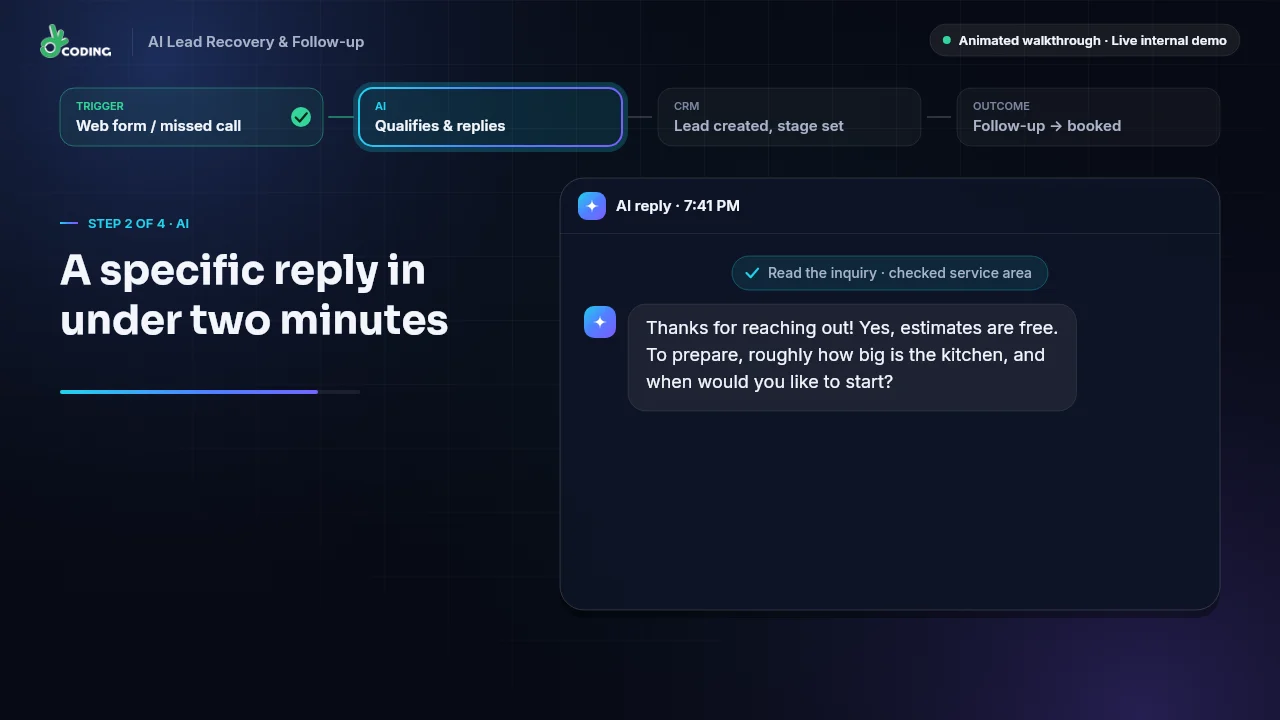
- Replying to new inquiries and following up. Frequent, repetitive, time-sensitive and easy to check. That's why we built our Lead Recovery demo first.
- Appointment booking and reminders. Clear rules, clear success: the customer showed up.
- Answering the same customer questions. As long as the answers come from approved policies and a person handles everything else.
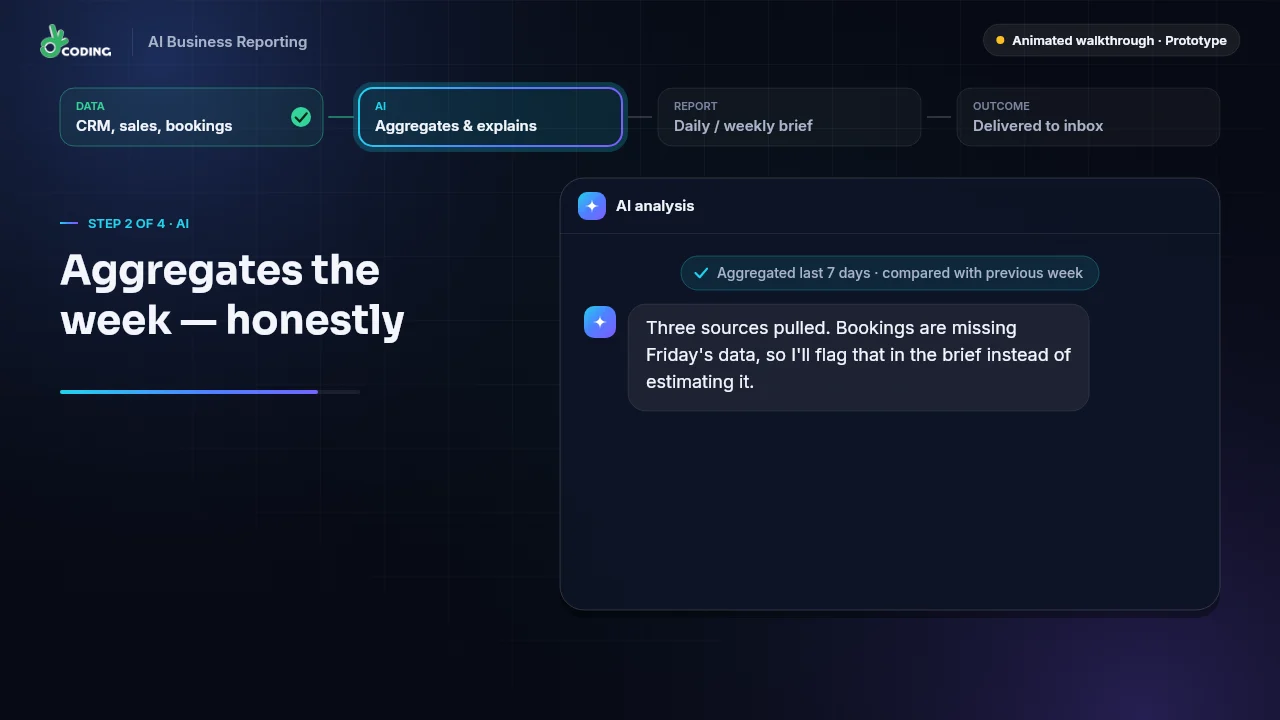
- A weekly summary of the numbers. Read-only, low risk, and it often shows where the next automation should go. See the reporting demo.
Usually not a good first project
- Anything involving money moving without a person approving it.
- Pricing and quotes. These depend on context, and a wrong quote is expensive to undo.
- Work that's different every time. Complex customer complaints, negotiations, diagnosis.
- A process nobody has written down. Automating a messy process gives you a fast messy process. Map it first.
Start with one, measure it, then decide
The best first automation is small enough to launch quickly and important enough that you'll notice the difference. Before you start, write down how it works today: how long replies take, how many inquiries go unanswered, how many hours a week the task takes. Those numbers are how you'll know whether it worked.
Once the first workflow runs reliably, the second one is easier. The CRM, the notifications and the guardrails are already in place.
Where people fit
Good automation doesn't remove people from the process. It removes the waiting, the copying and the remembering, so your team spends its time on the conversations that need a person.
If you're not sure which task to start with, describe your week to our assistant. It will suggest a starting point and tell you honestly if automation isn't the answer. You can also book a call with a specialist.
Examples by type of business
- Auto repair and body shops: missed calls and online requests that wait while the front desk is busy. See how auto repair shops stop losing jobs to missed calls.
- Home services: a fast first reply to quote requests. See the 5-minute reply for home-service companies.
- Any business with a booking calendar: booking and reminders without phone tag. See our booking checklist.
Frequently asked questions
How long does a first automation take to launch?
It depends on the tools involved, but a single workflow is usually measured in weeks, not months. A clear scope and one decision-maker on your side are what keep it short.
Do I need a new CRM first?
Not always. If your current tools have an API, the automation can work with them. If your customer data lives in spreadsheets and inboxes, a simple CRM is often the first step. See custom CRM development.
Will automation replace my staff?
No. The goal is to remove waiting, copying and remembering, so your team has time for the work that needs a person. Read more about AI automation for small businesses.
This article describes approaches and how our demos behave. It does not report measured customer outcomes unless it says so with methodology and permission.