

DVCodingDVCoding
Book a call
Documents & reporting

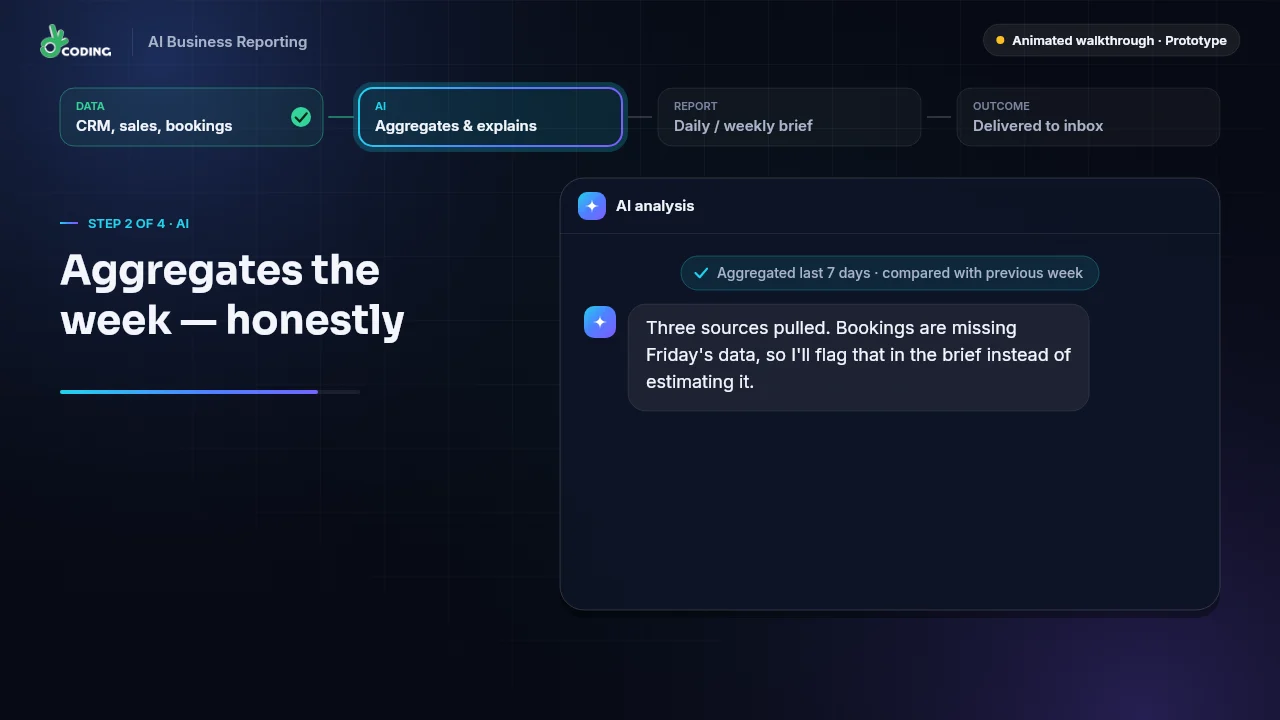
AI Business Reporting

Pulls permitted data from your tools and writes a plain-English daily or weekly summary your team actually reads.
Prototype 1:03E-commerceProfessional servicesStartups / SaaS
Book a call
AI Business Reporting — video preview
Prototype
Captions1:03

Prototype: Functional prototype under active development. Scope may change.

The business problem

Dashboards exist, but nobody opens them. What owners want is a short, honest summary with the numbers that matter.

How the automation works

01Data — CRM, sales, bookings
AIAI — Aggregates & explains
03Report — Daily / weekly brief
04Outcome — Delivered to inbox

What it does — and does not do

It does

  • Aggregates permitted business data
  • Writes a short summary with real numbers and denominators
  • Flags anomalies and open items

It does not

  • Does not fabricate numbers when a source is unavailable — it says so

Works with

Google Sheets CRM Stripe / QuickBooks (read-only) Email / Slack

Supported patterns, not a guarantee for every account setup. Feasibility is confirmed on the specialist call.

Transcript

Read the video transcript
AI Business Reporting. Dashboards exist, but nobody opens them. What owners want is a short, honest summary with the numbers that matter. The automation reads the data you allow, for example your CRM, sales and bookings, in read-only mode. It aggregates the week and compares it with the last one. If a source is missing data, it says so instead of guessing. It writes a short brief: the numbers, their denominators, what changed, and what needs attention. Every Monday at eight, it lands in the inbox, or in Slack, where people actually read it. Real numbers with their sources, anomalies flagged, and no made-up figures when data is missing. Want to see how this would work for your business? Ask our AI, or book a call, at dvcoding.com. Animated walkthrough of the workflow with sample data. Narration is an AI voice.

Questions we hear

Does it need write access to our systems?
No. Reporting reads the data you allow, in read-only mode.
What if a data source is down?
The report says that data is missing instead of guessing or filling in numbers.
Where is the report delivered?
Usually email or Slack, on a schedule you choose.
Related

Automations that pair well

All demos
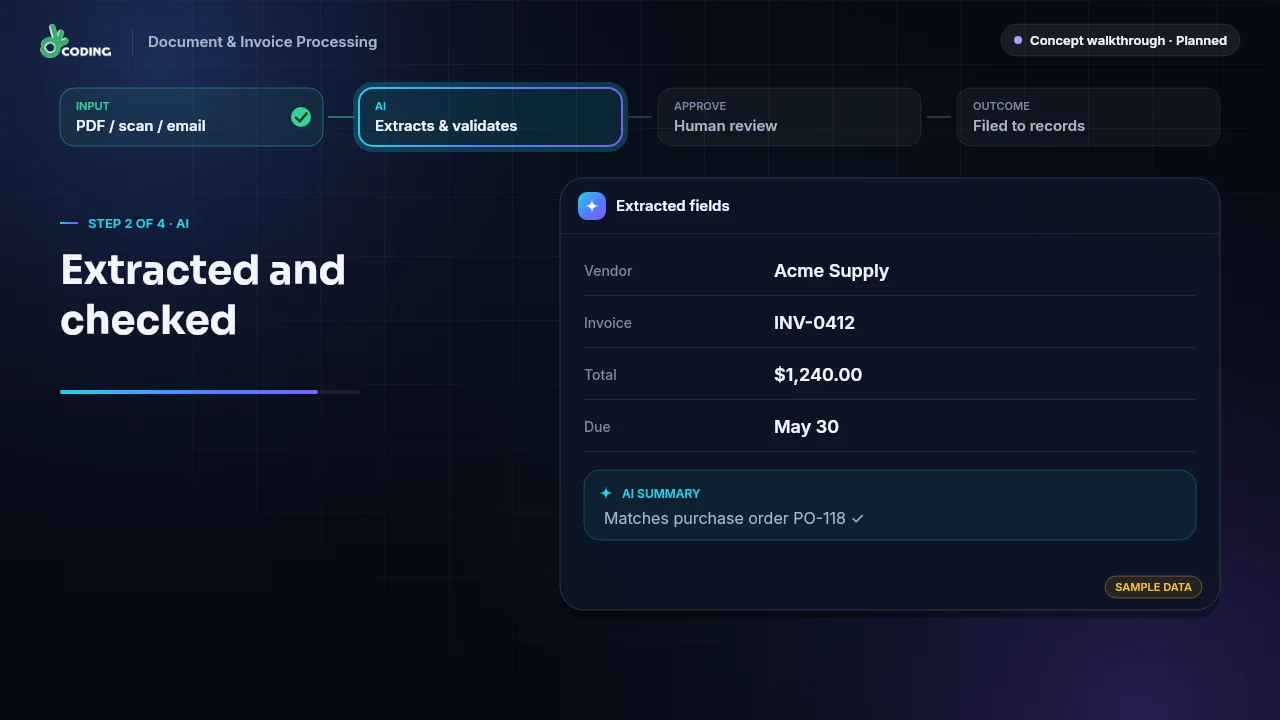
Document & Invoice Processing — video preview
Planned
Transcript below1:02
Documents & reporting

Document & Invoice Processing

Extracts data from invoices and documents, validates it, routes approvals, and files records — with a human in the loop.
Home services & constructionLaw firms+1
Watch
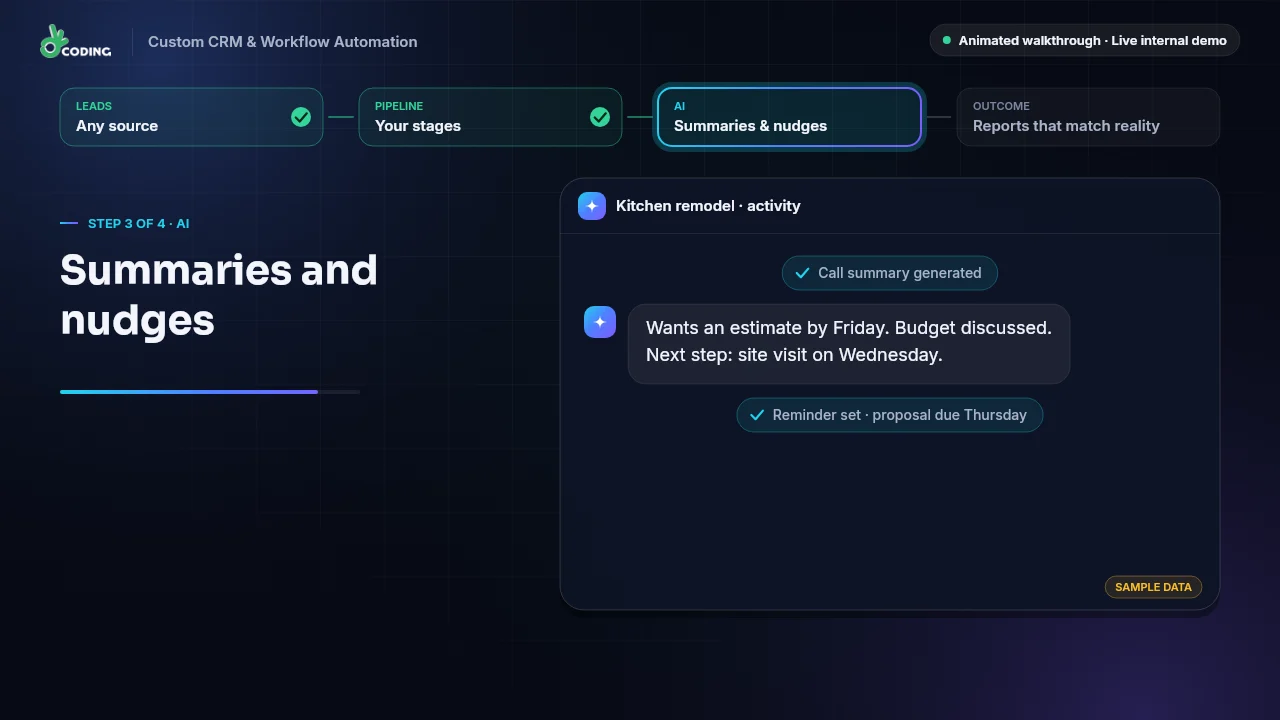
Custom CRM & Workflow Automation — video preview
Live internal demo
Transcript below0:59
Operations & CRM

Custom CRM & Workflow Automation

A CRM shaped around how your business actually works: leads, people, tasks, stages and reports — with automation where it matters.

Law firmsProfessional services+1
Watch