
We build custom CRMs, so you might expect this article to tell you to build one. It will not. Most small businesses are better served by HubSpot, Salesforce, Pipedrive or Zoho, and we say that to prospects every week. But there is a specific kind of business for which the off-the-shelf tools quietly become the most expensive option, and those businesses usually find out two years too late.
This is the test we run before we agree to build anything.
Start with what a CRM is for
Strip away the feature lists and a CRM does three things: it remembers every customer and every conversation, it moves work through stages so nothing is forgotten, and it tells you what is happening in numbers you can trust. If HubSpot does those three things for your business today, you do not need us.
Why off-the-shelf wins by default
- It exists today. You can be working in it this afternoon.
- Someone else maintains it. Security, backups, uptime, mobile apps: not your problem.
- Integrations are built. Email, calendar, phone, forms, accounting: usually a toggle.
- The free or starter tier is genuinely useful for a team of two to five.
For a business whose process looks like most businesses, that is the end of the analysis. Pick one, set it up properly, and spend your energy on customers.
The costs people forget
The comparison gets interesting when the business does not look like most businesses. Three costs tend to be invisible in year one and dominant by year three.
Per-seat pricing against a growing team. The starter tier is cheap. The tier that has the one feature you actually need (custom objects, automation, permissions, reporting) is priced per user per month, and the price steps up every time you add a person. A ten-person team on a mid-tier plan is a meaningful annual line item, forever.
The workaround tax. When your process does not fit the tool, people build workarounds: a spreadsheet next to the CRM, a Zapier chain, a "notes" field that holds the real data. Each one is small. Together they mean the CRM is no longer the source of truth, which was its only job.
Data that is not quite yours. Export is possible, but the structure, the automations and the history of changes do not come with you. Switching tools after three years is a project, which is why most businesses never do.
Signs you have outgrown off-the-shelf
Not one of these alone. Three or more, and a custom system usually pays back.
- Your core object is not a "deal." A carpet-cleaning workshop tracks carpets with tags through washing stages. A clinic tracks patients and treatment plans. A property manager tracks units and work orders. Forcing these into "contacts and deals" loses the thing that matters.
- Your workflow has roles the tool does not know. Driver, washer, packer, technician, inspector: each needs a different screen and different permissions, and they are not "sales reps."
- You pay for seats that only need one button. Field staff who should log one event a day are paying full price for a dashboard they never open.
- The reports you actually run live in a spreadsheet because the built-in reporting cannot answer "how many jobs per technician per week, by service type."
- Customers interact with the process. They request pickups, approve estimates, track status. A CRM built for salespeople has no good place for them.
- You already have an AI assistant or automation that needs to read and write your data directly, without a middle layer of integrations that break.
What "custom" actually means in 2026
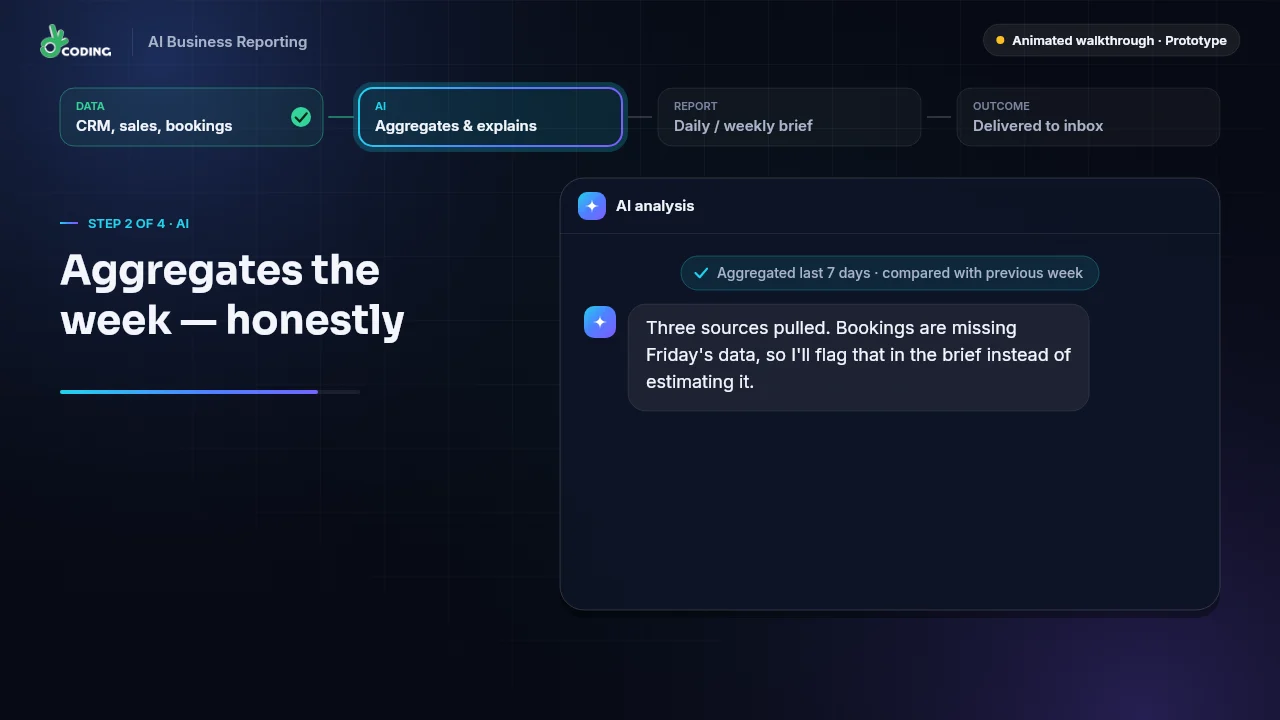
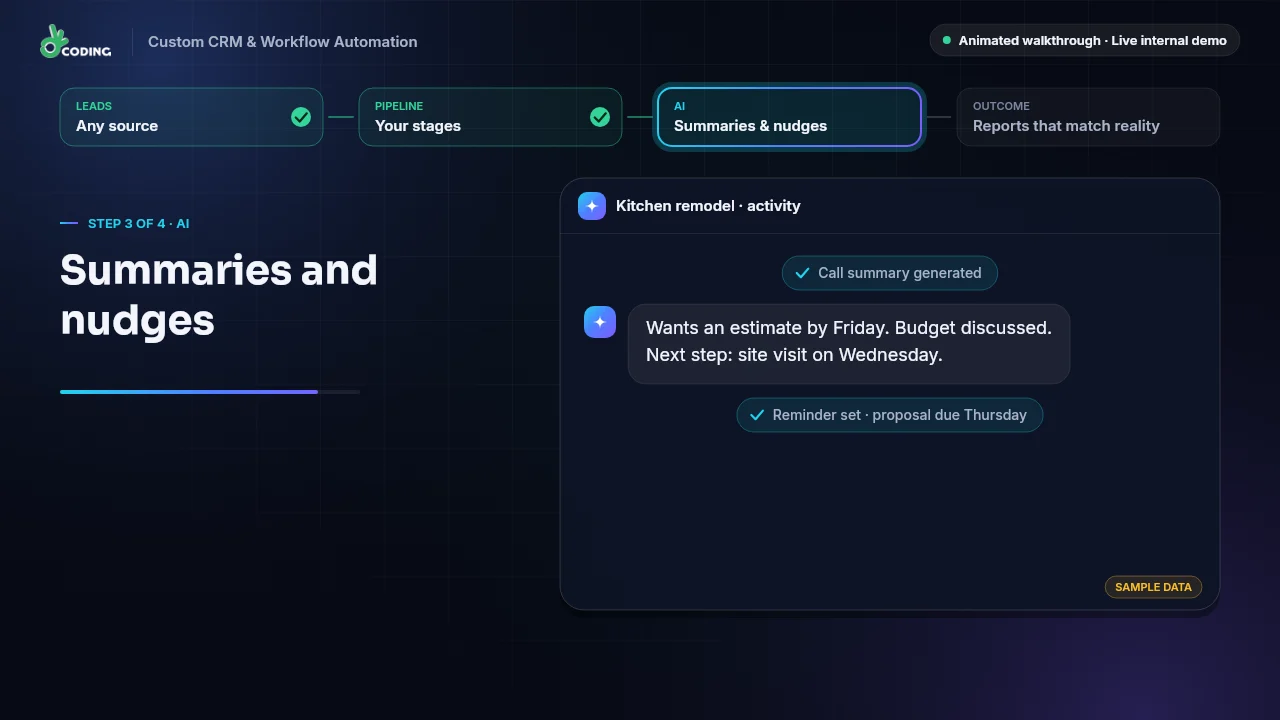
A custom CRM is no longer a six-month, six-figure project. The building blocks (authentication, databases, dashboards, mobile-friendly interfaces, AI summaries) are mature. What we build is the part that is specific to you: your objects, your stages, your roles, your reports, your customer-facing pieces. You can see one in our custom CRM demo: a lead moving through stages with AI-written call summaries, and the reporting demo that turns the same data into a Monday brief.
Things we insist on, because they are what makes "custom" safe:
- Standard exports from day one. Your data in CSV and a documented database; no lock-in to us.
- Boring technology. Mainstream frameworks and hosting that any competent developer can take over.
- A paper trail. Every change to a record has a who and a when.
- Phased delivery. The first usable version in weeks, not after everything is finished.
The fair comparison
| HubSpot / Salesforce / Zoho | Custom CRM | |
|---|---|---|
| Time to first use | Days | Weeks |
| Fits your process | Mostly, with workarounds | Exactly |
| Cost shape | Per seat, rising with the team | Build once, then hosting and support |
| Reports | Built-in, generic | Yours, including the odd ones |
| Customer-facing steps | Add-ons or separate tools | Part of the same system |
| Maintenance | Vendor | Your developer or ours |
| Ownership of data and logic | Export only | Full |
How to decide
Write down your real process with the roles and the objects it uses. If it reads like "leads, deals, contacts, tasks," buy a CRM and move on. If it reads like something a CRM vendor has never heard of, bring it to a specialist. We will tell you honestly which column you are in, and if the answer is HubSpot, we will say so. Book a call, or ask our assistant on this page to run the test with you.
This article describes approaches and how our demos behave. It does not report measured customer outcomes unless it says so with methodology and permission.