
Most auto repair shops already run on some kind of shop management software for repair orders, parts and invoices. So when someone suggests a CRM, the natural reaction is: "Don't we already have that?" Sometimes you do. But shop software is built around the car on the lift, while a CRM is built around the customer before and after the visit. This guide explains the difference, the signs a shop needs one, and how to start small without adding another login your service advisors will ignore.
Shop management software vs. a CRM
Shop management software answers questions like: What work was done on this vehicle? What parts were ordered? Is this invoice paid? It is the system of record for the job.
A CRM answers different questions:
- Who called, texted or filled out a form this week, and did anyone reply?
- Which estimates were declined, and has anyone followed up?
- Which customers are due for service and haven't booked?
- Where did new customers come from: Google, referrals, a fleet account?
Some shop systems include basic reminders and customer history. The gap is usually everything that happens before a repair order exists (new inquiries) and after the car leaves (follow-up and return visits). That's the part a CRM handles.
Signs your shop needs a CRM
You probably need one if several of these sound familiar:
- Website form requests land in an email inbox and sometimes sit there for a day.
- Missed calls are returned "when someone gets a chance." We wrote about why missed calls cost auto shops customers.
- Declined estimates are never revisited, even for safety items.
- Nobody can say how many new customers came from Google last month.
- Each service advisor keeps their own notes, texts or sticky notes.
- Fleet or commercial accounts depend on one person's memory.
If none of these apply, a CRM may not be worth it yet. Fix the basics first.
What an auto shop CRM should track
Keep it focused. A useful shop CRM tracks:
- Every inquiry from calls, texts, web forms and Google Business Profile, each with an owner and status.
- Declined and pending estimates, with a follow-up date.
- Service history summary, pulled from or linked to your shop software, so you don't type it twice.
- Next service due, based on mileage or time.
- Lead source, so you know which marketing works.
Anything beyond this should earn its place. Fields that nobody fills in make the data worse, not better.
Automations that help a shop (and ones that don't)
The value of a CRM comes from the routine work it does for you. Good candidates:
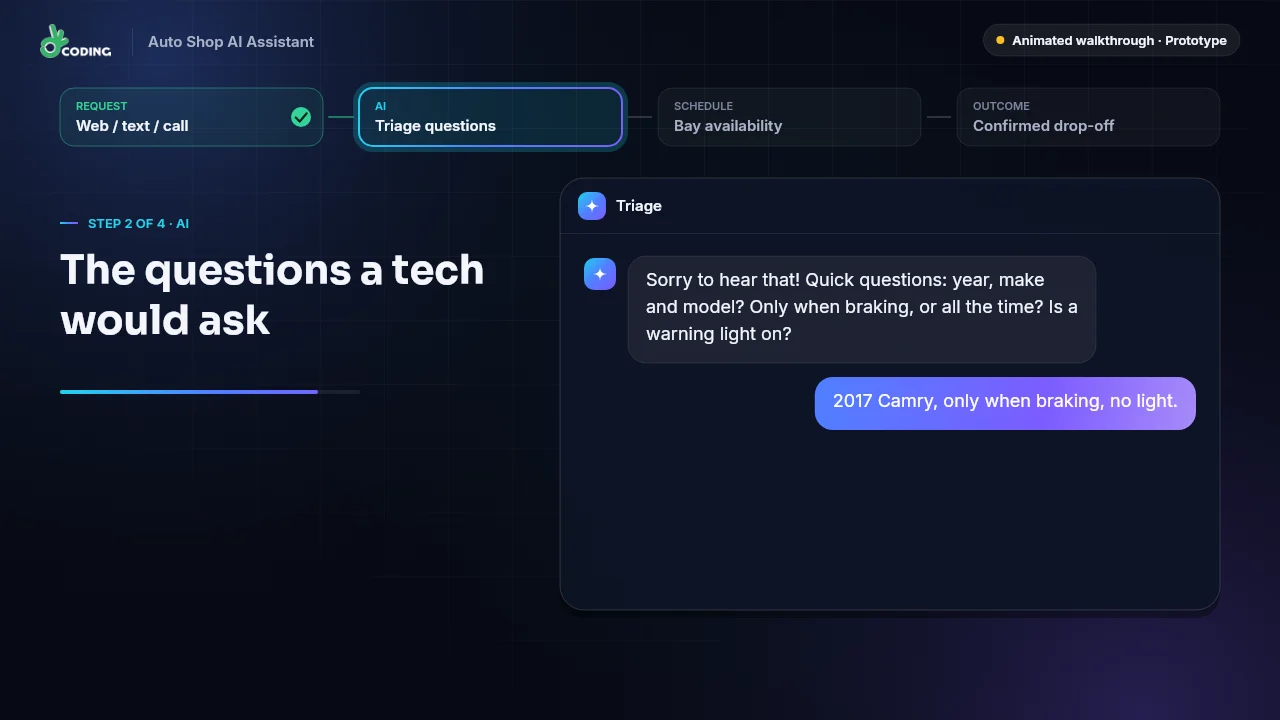
- Instant reply to web requests so the customer knows you received it, followed by an alert to the advisor. Our auto shop assistant demo shows this flow.
- Missed-call text-back during busy hours.
- Declined estimate follow-up a set number of days later, written by your team and approved once.
- Service reminders tied to the customer's actual history.
- Review requests after a completed job, sent only to customers whose visit went well.
What to avoid: blasting every customer with the same promo every week, or auto-sending anything about pricing or diagnosis without a person reviewing it. Customers trust shops that sound like people.
Off-the-shelf CRM or custom?
General CRMs are built for sales teams with pipelines and deals. A shop can make one work, but often ends up paying for features it never uses while still lacking the link to its shop software. We compared the options in custom CRM vs. HubSpot and Salesforce.
A custom CRM makes sense when you want exactly the fields and automations above, connected to the tools you already use, with nothing extra. It doesn't make sense if your shop software already covers inquiries and follow-ups well. In that case, use what you have properly.
How to start without disrupting the shop
The fastest way to fail is to launch everything at once. A simple order that works:
- Week 1–2: capture every inquiry in one place and assign an owner. See how this works in our never miss a lead approach.
- Next: add declined-estimate follow-up.
- Then: service reminders and review requests.
- Finally: reporting on lead sources and conversion.
Train advisors on one change at a time, and measure each step before adding the next. If your shop is also working on getting found online, our guide to local SEO for auto repair shops pairs well with this.
Frequently asked questions
Isn't my shop management software already a CRM?
Partly. It stores customer and vehicle history, but most shop systems don't track new inquiries, unanswered requests or declined-estimate follow-up the way a CRM does. Check what yours covers before buying anything.
Will my service advisors actually use it?
Only if it saves them work. Keep fields to a minimum, automate replies and reminders, and avoid double entry by connecting it to your shop software where possible.
What's the first thing to set up?
A single inbox for every inquiry, with an owner and a status. Once nothing slips through, the follow-up automations become worth adding. Learn more on our auto repair industry page.
Curious what a CRM built around your shop would look like? Book a free call and we'll map it out together.
This article describes approaches and how our demos behave. It does not report measured customer outcomes unless it says so with methodology and permission.