
"AI automation" gets used for everything from a chatbot on a website to software that supposedly runs a whole company. If you own a small business, that makes it hard to tell what's real, what's useful, and what's just a sales pitch.
This guide explains AI automation in plain English: what it is, how it differs from the automation you may already use, what it's good at, where it goes wrong, and how to judge whether it fits your business. No jargon, and no promises that it will replace your team.
A simple definition
Automation means a computer does a repeatable task for you, the same way every time. "When a form is submitted, add the person to the spreadsheet and email the office" is automation.
AI automation adds a step where software reads, understands or writes language. Instead of only following fixed rules, it can handle messy input: an email written in a hurry, a voicemail, a photo of an invoice, or a customer question phrased a dozen different ways.
In practice, most useful AI automation is a mix of both. The AI handles the part that needs judgment about language, and regular automation handles everything else.
Rule-based automation vs. AI automation
Here's an example of the difference.
Rule-based: A customer fills out a form with a "Service needed" dropdown. If they pick "Repair," the lead goes to the service manager. This works well as long as people pick the right option.
AI-assisted: A customer types a free-text message: "My car is making a grinding noise when I brake and I need it for work Monday." The AI reads it, recognizes a brake issue with a deadline, tags it as urgent, drafts a reply asking for the vehicle year and model, and sends it to the service manager.
Rule-based automation is cheaper, faster and more predictable. Use it whenever the input is already structured. Bring in AI when the input is human language and the rules would get too long to write.
What AI automation is good at
These are the tasks where it tends to earn its keep in a small business:
- Answering repetitive questions about hours, services, pricing ranges you've approved, and policies, at any time of day. See our 24/7 customer answers page for how this works.
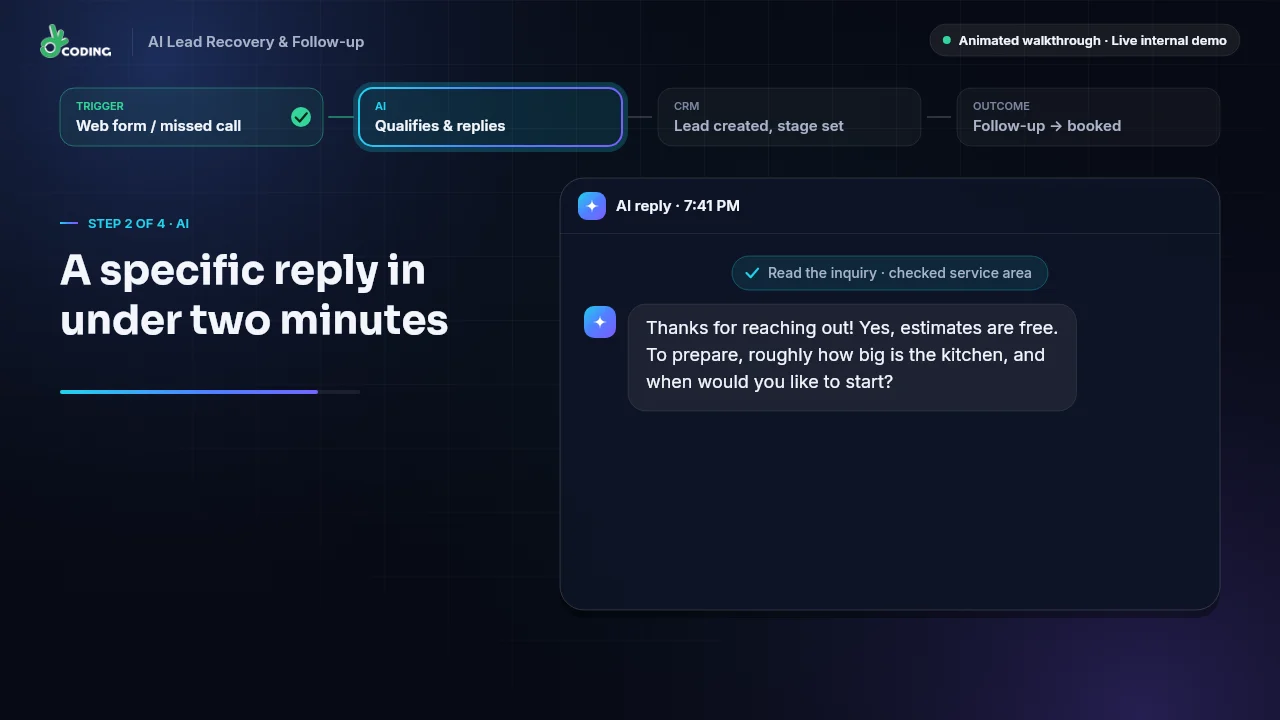
- Replying to new leads fast and asking the qualifying questions you'd ask yourself, so nobody waits until the next morning. That's the idea behind never miss a lead.
- Sorting and summarizing incoming email, messages and call notes.
- Pulling data out of documents such as invoices, order forms or intake forms.
- Drafting follow-ups, reminders and internal summaries for a person to review or send automatically.
What it's not good at
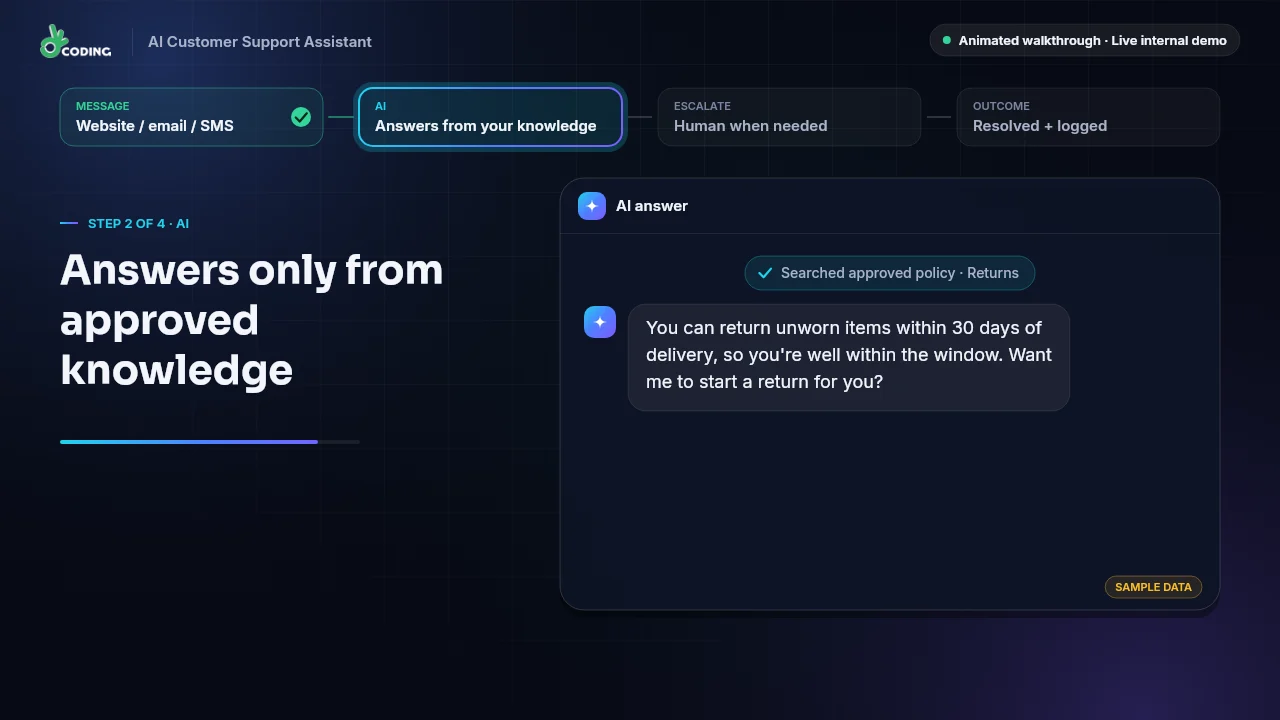
AI is not a reliable source of facts it wasn't given. If you ask an assistant about your prices and it hasn't been connected to your actual price list, it may confidently make something up. Good systems limit the AI to approved information and hand off to a person when they're unsure.
It's also a poor fit for decisions with legal, financial or safety consequences, and for situations where a customer is upset and needs a human. We wrote about that moment in the support handoff.
How a typical AI automation works, step by step
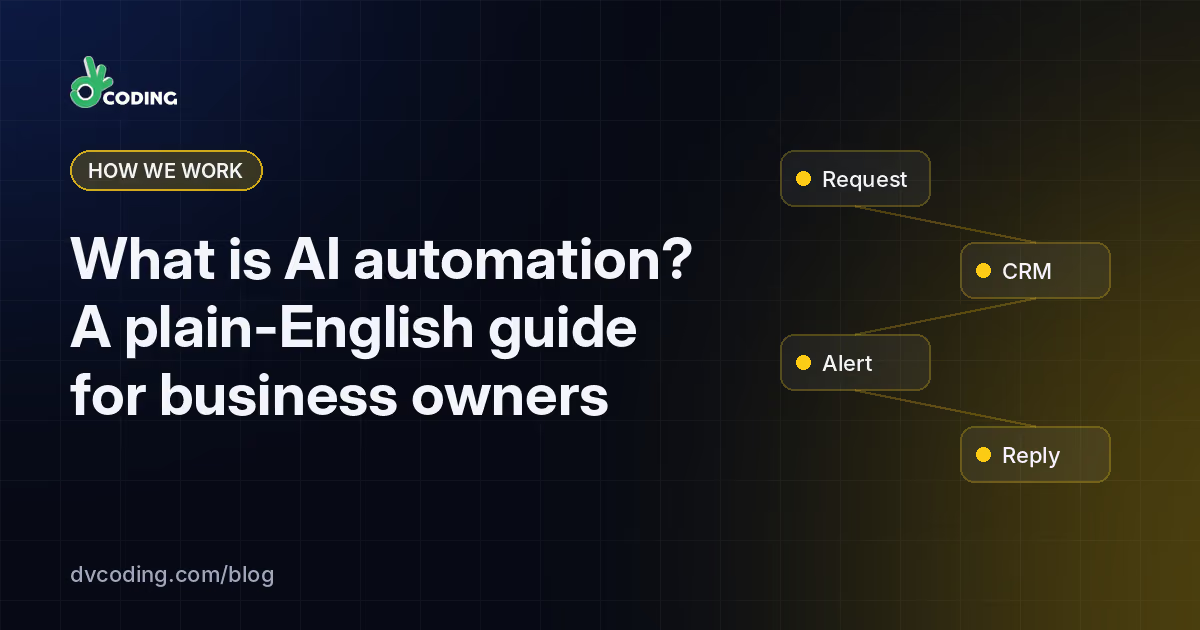
Most setups follow the same pattern:
- Trigger: something happens, such as a call, form, email or message.
- Understand: the AI reads the input and extracts what matters, like the name, the request and the urgency.
- Decide: simple rules decide what happens next, based on what the AI found.
- Act: the system replies, books an appointment, creates a record in your CRM, or alerts a team member.
- Log: everything is recorded so a person can review it and spot mistakes.
You can see this pattern in action in our AI customer support demo. Larger setups split the work among several focused assistants rather than one that tries to do everything. We explain why in one assistant, many specialists.
Common mistakes when getting started
- Automating a broken process. If your team doesn't agree on how leads should be handled, automation will just repeat the confusion faster.
- Starting too big. Pick one task with clear volume and a clear owner. Our guide on what to automate first helps with choosing.
- No human fallback. Every automated conversation needs a way to reach a person.
- No one checking the logs. Review results weekly for the first month.
- Not knowing where the data goes. Ask any vendor what customer data is sent to which AI provider and whether it's used for training.
What it costs, in general terms
Costs depend on how much has to be connected and how many conversations the system handles. There's usually a one-time build and a smaller ongoing cost for hosting, AI usage and maintenance. We explain how we price this, and why we don't publish fixed packages, in what AI automation really costs.
Frequently asked questions
Is AI automation the same as a chatbot?
No. A chatbot is one possible piece. AI automation also includes things with no chat window at all, like sorting emails, reading invoices, or creating CRM records from phone calls.
Will AI automation replace my staff?
In most small businesses, it takes over repetitive work such as first replies, data entry and reminders, so your team can spend more time on customers and on work that needs judgment. It works best with people overseeing it, not instead of them.
Do I need special software to start?
Usually not. Most AI automation connects to tools you already use, such as your email, phone system, calendar, CRM or website. Our AI automation services start by mapping those tools.
Curious which parts of your business could be automated sensibly? Book a free call and we'll walk through it with you.
This article describes approaches and how our demos behave. It does not report measured customer outcomes unless it says so with methodology and permission.