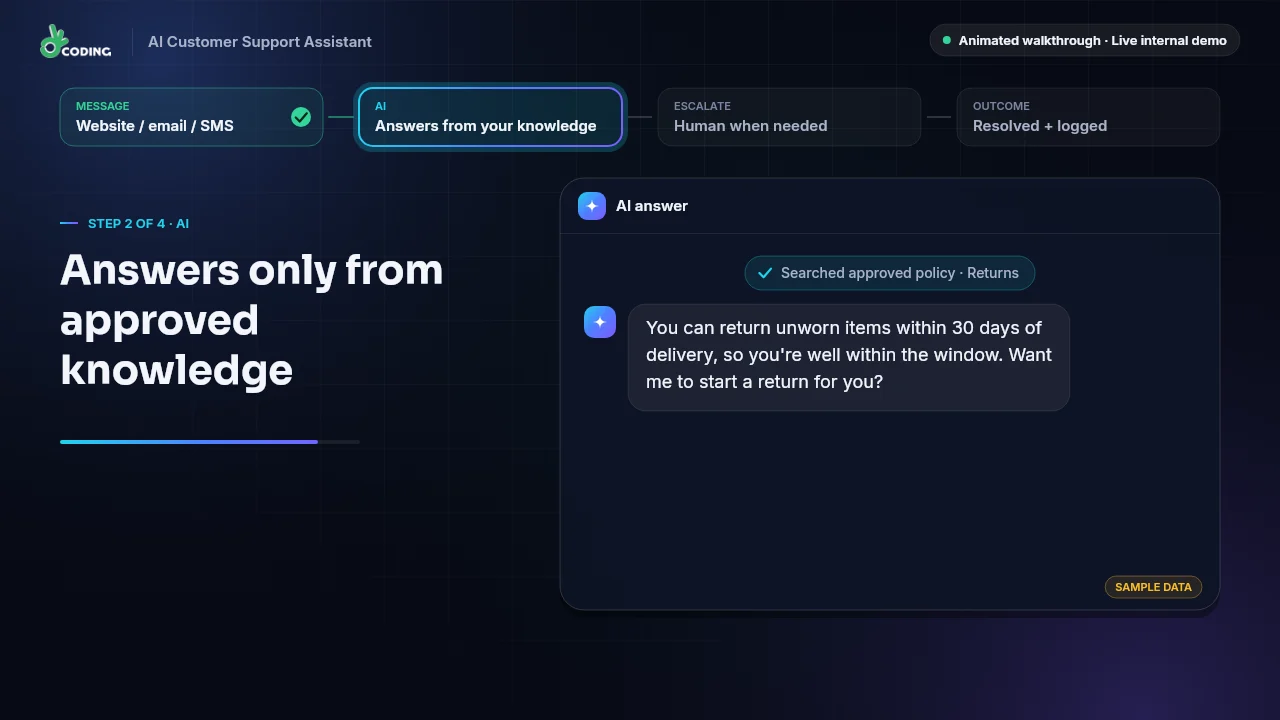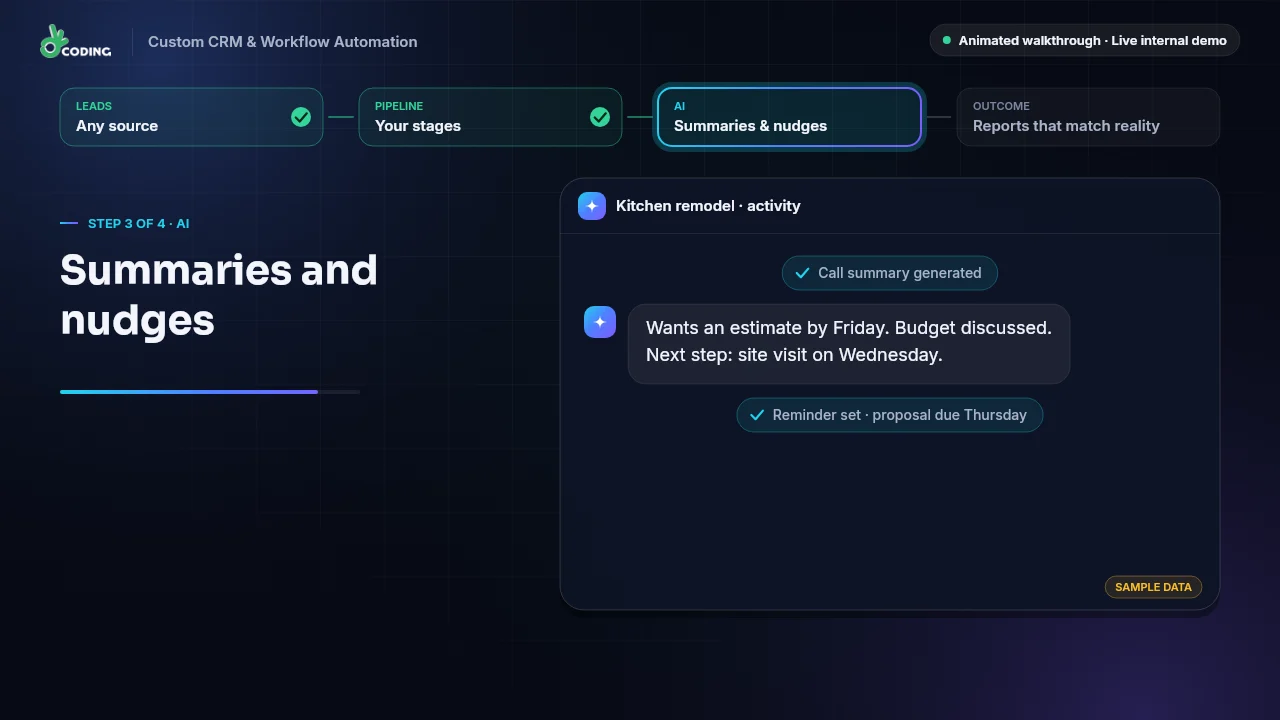

A common anti-pattern: a website with a sales bot, a support bot and a booking bot, each ignorant of the others. The visitor repeats themselves three times and leaves.
A coordinator and specialists
We design one user-facing assistant — the coordinator — that owns the conversation. When a question needs depth, it consults a specialist: lead recovery, booking, CRM architecture, or the article you are reading. The specialist gets the relevant context; the coordinator synthesizes the answer and keeps the thread.
Logical, not literal
Specialists are usually prompts, tools and knowledge scopes — not separate expensive services. What matters is the behavior: no repeated questions, clear labels when a specialist is consulted, and honest uncertainty when experts disagree.
Tools with permission
Reading the service catalog is safe. Creating a calendar event is consequential. The coordinator asks before any consequential action and confirms the details — a principle the assistant on this very site follows.
Why separate bots fail
Separate bots are usually added one at a time: a chat widget from one vendor, a booking tool from another, a support bot from a third. Each one works on its own. Together they create problems:
- The visitor repeats themselves. Their name, their question and their situation, three times.
- Answers contradict each other, because each bot has its own knowledge and its own rules.
- Nobody sees the whole conversation. Sales sees one part, support another, and the booking tool knows nothing about either.
- Every bot is another subscription, another login and another thing to keep up to date.
What the visitor experiences instead
With one coordinating assistant, a visitor can ask about a service, check whether it fits their business, see a relevant example and book a call, all in one conversation. If the question needs depth, the assistant says it is checking with a specialist, and the answer comes back in the same thread. If the visitor wants a person, the handoff carries the full context, as we describe in the support handoff.
What the business gets
- One place to manage knowledge. Update a policy once and every part of the assistant uses it.
- One record per conversation, connected to your CRM, so your team sees what was asked and what was promised.
- Clear rules for actions. Reading information is allowed freely; booking, sending messages or changing records always needs confirmation.
- Honest limits. When the assistant doesn't know, it says so instead of guessing.
How to tell if an assistant is built this way
Try it. Ask a question, then a follow-up that depends on the first answer, then ask to book something. A well-built assistant remembers what you said, explains what it is doing, and confirms before acting. A maze of bots asks for your name again.
Frequently asked questions
Is a "specialist" a separate AI model?
Not necessarily. Usually a specialist is a focused set of instructions, tools and approved knowledge. What matters is the behavior, not how many models run behind it.
Can this work with the tools we already use?
Yes. The assistant can read from and write to your calendar, CRM or help desk, with permission rules for each action. See AI automation for small businesses and custom CRM development.
How much does an assistant like this cost?
It depends on the knowledge, tools and connections involved. We wrote a separate guide: what an AI chatbot actually costs.
You can try the approach right now by asking the assistant on this site a question, or book a call with a specialist.
This article describes approaches and how our demos behave. It does not report measured customer outcomes unless it says so with methodology and permission.