
"How much does a chatbot cost?" is the question we hear most, and the honest answer is that the number depends on three decisions you have probably not made yet. This article walks through them so that when you do get quotes, from us or anyone else, you know what you are comparing.
We do not publish a price list, and this article will not give you one. What it will give you is the structure of the cost, which is more useful.
The AI is the cheap part
People assume the expensive component is the language model. It is not. The per-conversation cost of a modern model is small: a typical customer chat costs a few cents of model usage, and even a busy small-business assistant handling a few thousand conversations a month spends tens of dollars, not thousands, on the AI itself.
What costs money is everything around the model that makes it useful for your business. Three things in particular.
1. What the assistant is allowed to know
A chatbot that only knows what is on your website can answer general questions and not much else. The value comes from giving it your real information: services and policies, hours, insurance accepted, how you handle refunds, what your technicians would ask on a first call.
Writing that knowledge down, structuring it, and keeping it current is work. For a small service business it is a few focused hours with someone who knows the business. For a company with a product catalog and a support history it is more. This is the first cost driver, and it is mostly your team's time plus the setup to load and maintain it.
2. What the assistant is allowed to do
This is where quotes diverge the most.
- Answer questions only. The simplest setup. Useful, but it leaves the work with your team.
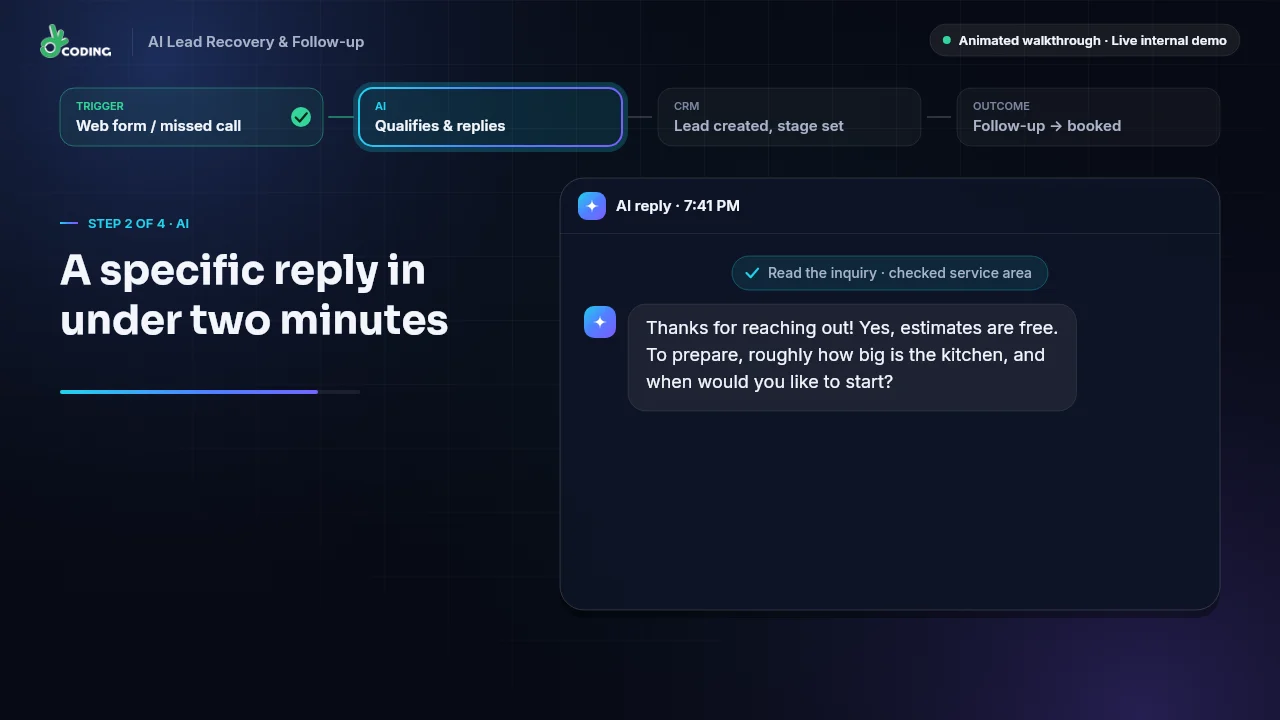
- Collect and hand off. Take the visitor's details and the problem, create a lead in your CRM, notify the right person. Our lead recovery demo shows this.
- Take actions. Check a real calendar and book, look up an order status, send a confirmation, open a ticket. Each action is an integration with one of your systems, and each integration is a piece of work to build and keep working.
The rule of thumb: every system the assistant has to read from or write to adds cost, once to build and a little every month to maintain. Decide which actions matter before you ask for a price, because "it should do everything" is the most expensive sentence in the project.
3. Where it has to live
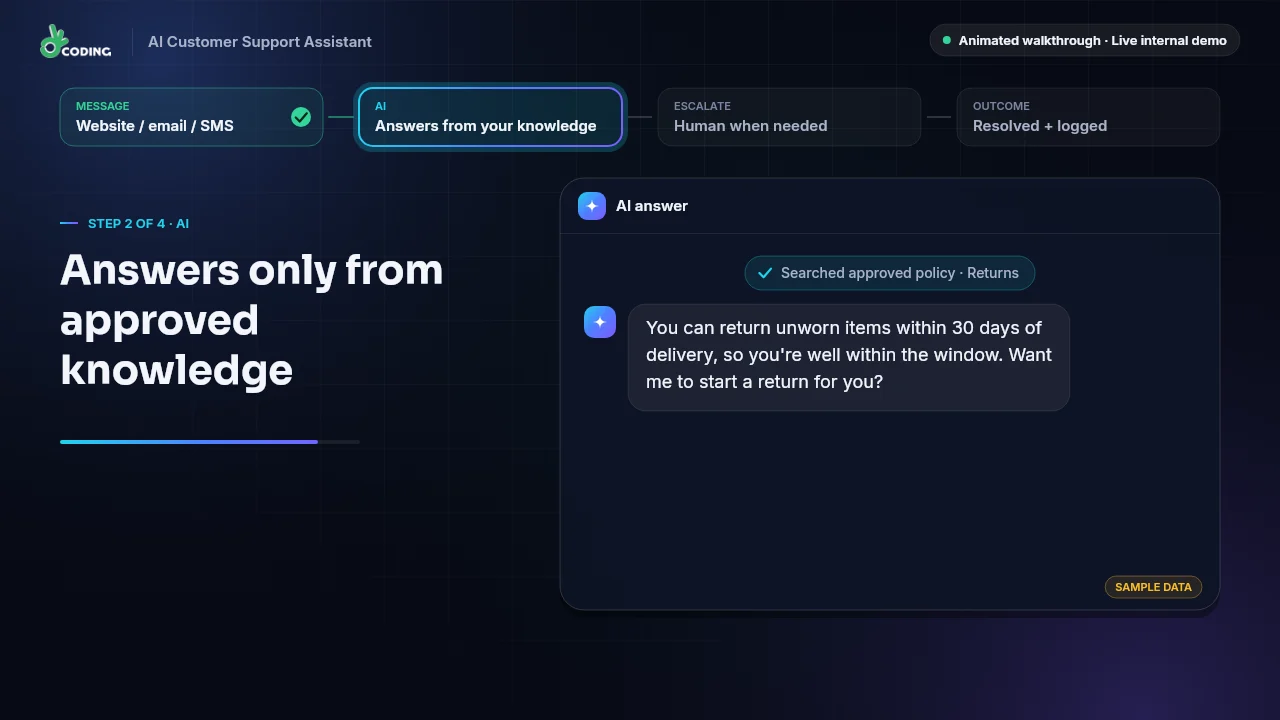
Website chat is the baseline. Add voice (a phone number the assistant answers), WhatsApp, Facebook or Instagram messages, SMS, and each channel brings its own setup, its own rules and, for phone and SMS, its own per-minute or per-message charges from the carriers. Our support demo runs on website chat and voice; the same assistant can be extended to the others, and the extension is a line item.
The ongoing costs nobody mentions in the demo
- Model usage. Small, as above, but it scales with conversations. Ask for an estimate at your expected volume.
- Hosting. Modest for a small business; the assistant is not heavy.
- Channel fees. Phone minutes, SMS, WhatsApp business messaging. Pass-through costs from the carriers.
- Knowledge upkeep. Prices change, policies change, a new service launches. Someone has to update what the assistant knows. Budget an hour or two a month, or an arrangement with whoever built it.
- Watching the conversations. The first month especially, someone should read what the assistant said and tighten the rules. This is where most of the quality comes from, and it is often skipped.
What makes a quote trustworthy
When you compare proposals, look for these rather than for the lowest number:
- It names the actions and the systems. "Books into Google Calendar, creates leads in your CRM, hands off to a human by Telegram" is a scope. "AI-powered automation" is not.
- It separates build from ongoing. One-time work versus monthly costs, with the monthly ones broken into model, hosting, channels and support.
- It says what the assistant will refuse to do. Pricing, medical or legal advice, commitments. An assistant with no limits is a liability, not a feature.
- You can see it before you pay. A working demo on your kind of problem, not a slide.
How we price
We do not sell packages, because the three decisions above make every project different. After a short call, a specialist writes down the scope in the terms above, the actions, the systems, the channels, and prepares a tailored proposal with one-time and monthly costs separated. If the honest answer is that a simpler tool would do, the proposal says that instead.
If you want to start the conversation, book a call, or ask our assistant on this page about cost. It will explain how our pricing works; it will not invent a number, which is exactly how we would want your assistant to behave too.
This article describes approaches and how our demos behave. It does not report measured customer outcomes unless it says so with methodology and permission.