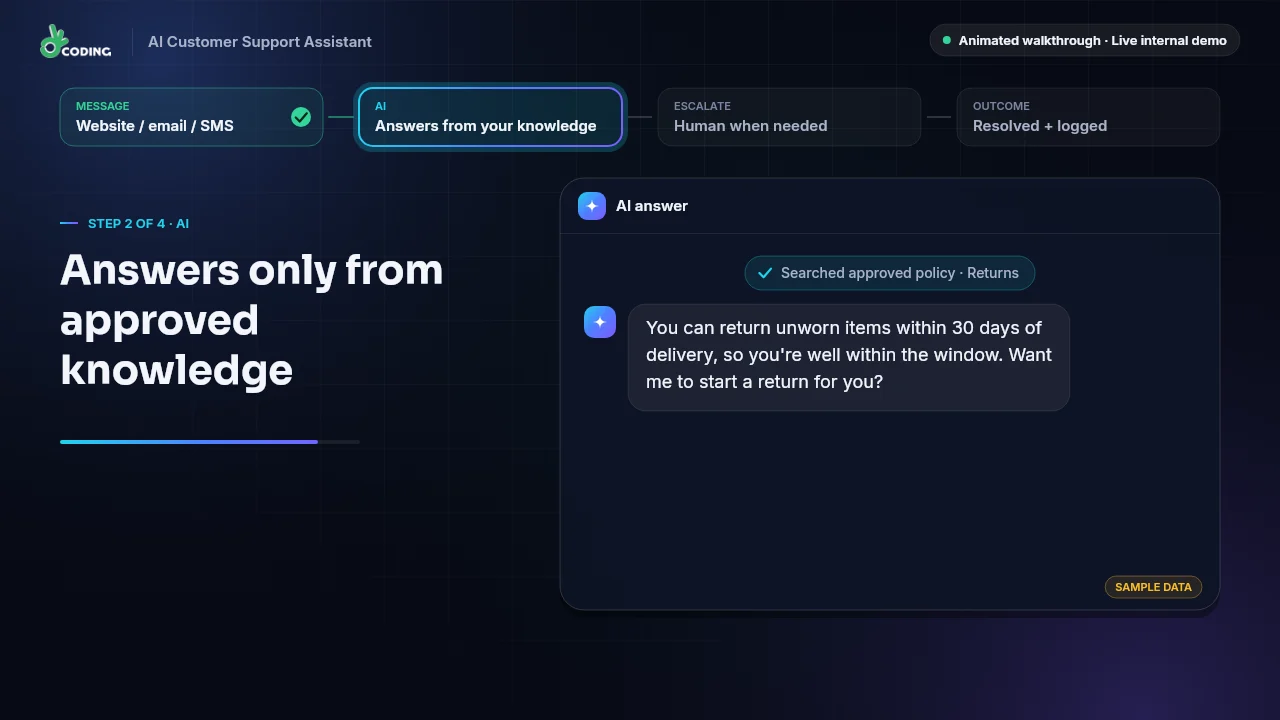

Customers do not mind talking to an assistant. They mind being trapped by one. The difference is almost entirely about the handoff.
Know what you do not know
A good support assistant answers only from approved knowledge — your policies, your FAQ, your documentation. When a question falls outside that, it says so plainly and offers a person.
Carry the context
The handoff should include the order number, the question, what was already answered and what is still open. The human picks up the thread; the customer never starts over.
Log everything, learn weekly
Every escalation is a gap in your knowledge base or a product issue. A short weekly review of handoffs is one of the highest-leverage habits a support team can adopt.
See the handoff in action in our support demo.
When the assistant should hand off
A handoff shouldn't only happen when the assistant gets stuck. Some conversations should go to a person straight away:
- The customer asks for a person. Always honor it, without making them ask twice.
- The question involves money: refunds, disputes, billing errors or anything that changes what the customer pays.
- The customer is upset. An apology from software rarely helps. A quick, informed person does.
- The answer isn't in the approved knowledge. Guessing is worse than saying "let me get someone who knows".
- The situation is unusual or sensitive: safety issues, legal questions, complaints about staff.
What a good handoff looks like for the customer
From the customer's side, a good handoff has three parts. They are told clearly that a person will take over. They are told when to expect a reply, honestly, including outside business hours. And when the person replies, they already know the whole story.
A bad handoff is the opposite: "Please contact support at this email", with no record of what was said.
What the support team needs
- One place where handoffs arrive, such as a CRM or shared inbox, with an alert to whoever is on duty.
- A short summary at the top: who the customer is, what they asked, what the assistant already answered, and what's still open.
- The full transcript below, for when the summary isn't enough.
- A way to mark the gap, so the knowledge base can be updated and the same question gets answered next time.
This is how we design 24/7 customer answers: the assistant handles the routine questions, and people handle everything that needs judgment.
How to tell if your assistant is working
Look at a week of conversations and ask: how many customers asked for a person, how many handoffs had a useful summary, and how many questions came up that the knowledge base didn't cover? Those three numbers tell you more than any "resolution rate".
Frequently asked questions
Will customers know they are talking to AI?
They should. Our assistants say clearly that they are AI, not a person, and offer a person whenever it makes sense.
What happens outside business hours?
The assistant can still answer routine questions. For anything that needs a person, it takes the details, sets an honest expectation about when someone will reply, and creates the handoff for the morning.
Can the assistant use our existing help desk?
Usually yes. Handoffs can go into the tools your team already uses. See AI automation for small businesses and one assistant, many specialists.
If you'd like to talk through your support setup, book a call with a specialist.
This article describes approaches and how our demos behave. It does not report measured customer outcomes unless it says so with methodology and permission.