
Most small business websites don't fail loudly. They load, they look fine, and the owner rarely visits them. Meanwhile, visitors arrive, can't find what they need in a few seconds, and leave for a competitor. Here are nine signs your website is quietly costing you leads, and what to do about each one.
1. It's hard to use on a phone
Most visitors to a local business website arrive on a phone. If text is tiny, buttons are too close together, or the menu covers half the screen, many of them won't try twice. Open your site on your own phone and try to do the one thing a new customer wants: find out if you can help, and contact you.
Fix: a mobile-first layout, large tap targets, and the phone number and main button visible without scrolling.
2. The first screen doesn't say what you do
A visitor should understand in about three seconds what you do, who it's for and where you work. "Welcome to our website" or a slogan without a service name makes them guess.
Fix: one plain headline with your service and area, for example "Collision repair in Burbank, insurance claims handled", and one clear button.
3. The contact form goes nowhere useful
Forms break silently. An old email address, a plugin update, or messages landing in spam can stop leads for months without anyone noticing.
Fix: run our ten-minute website form check today, then send submissions to a CRM or shared inbox, not one person's email.
4. Nobody replies for hours
Even a working form loses leads if the reply comes the next day. People who fill out a form are usually contacting several businesses at once.
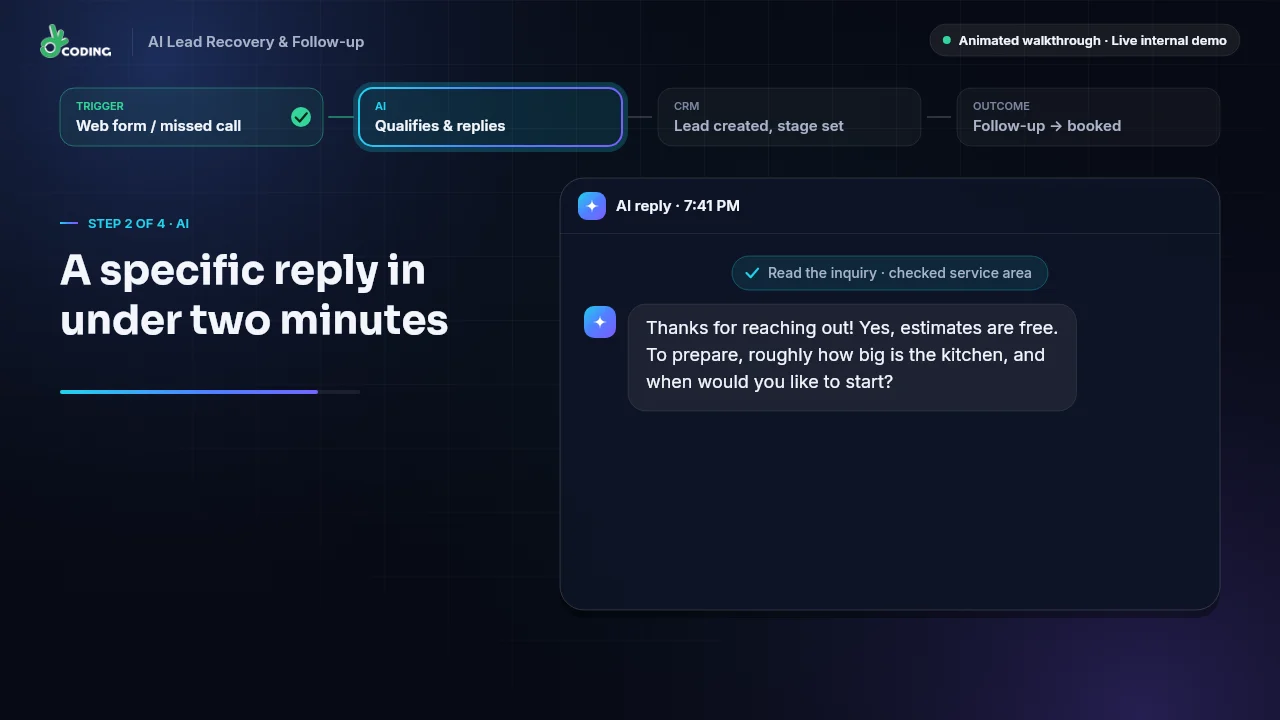
Fix: an instant confirmation, an alert to whoever is on duty, and a specific first reply within minutes. We explain the approach in why leads go cold.
5. It's slow to load
A slow page loses visitors before they see anything. Common causes are huge uncompressed images, too many plugins, and heavy page builders.
Fix: compress and resize images, remove unused plugins and scripts, and use modern hosting. Google's free PageSpeed Insights tool shows the biggest problems on any page.
6. There's only one way to contact you
Some customers want to call. Others will only fill out a form, text, or book online after hours. If your site offers one option, you lose everyone who prefers another.
Fix: offer at least a phone number, a short form and, where it fits your business, online booking. See online appointment booking without phone tag.
7. Nothing shows you are real and active
Outdated photos, a copyright year from 2019, no reviews and no recent work all make visitors wonder whether you're still open.
Fix: real photos of your team and work, recent reviews, and a page that shows examples of what you've done. Keep claims honest: only show results you can back up.
8. You can't tell which pages bring customers
If you don't know how many people visit, which pages they read, or which ones lead to a call or form, every website decision is a guess.
Fix: set up analytics properly, including tracking of form submissions and bookings as key events. Then review it once a month.
9. Updating it requires a developer
If changing your hours or adding a service means emailing someone and waiting a week, the site goes stale.
Fix: a simple admin where your team can edit text, photos and services themselves, with a developer only for real changes.
What to fix first
If you can only fix three things this month, start with these:
- Make sure the form and phone number work and reach a person (signs 3 and 4).
- Fix the first screen on mobile (signs 1 and 2).
- Set up analytics so you can measure the next change (sign 8).
Those three usually matter more than a full redesign.
Frequently asked questions
Do I need a new website, or can I fix the current one?
Often the current one can be fixed. A redesign makes sense when the site can't be edited, is built on outdated technology, or needs a completely different structure. Fixing the form, the first screen and the speed is usually the first step either way.
How do I know if my website is slow?
Run your homepage and your most important service page through Google PageSpeed Insights on mobile. It shows a score and the main issues. Test on your own phone over mobile data too.
What should a small business website include?
At minimum: what you do and where, your services, real proof of your work, clear contact options, your hours, and a form that reaches a person. See business website development for how we approach it.
If you'd like a second opinion on your website, book a call with a specialist and we'll go through it with you.
This article describes approaches and how our demos behave. It does not report measured customer outcomes unless it says so with methodology and permission.