
A contact form is often the most important feature on a business website, and the least tested. It was checked once at launch, then the email address changed, a plugin updated, or messages started landing in spam.
Here's a ten-minute check you can do today.
The test
- Open your website on your phone, not your office computer. That's how most visitors see it.
- Find the form as a new visitor would. How many taps did it take?
- Fill it in with a test request, using an email address you can check.
- Submit it and note the time.
Then check four things.
- Did the visitor see a clear confirmation? "Thanks, we'll reply within one business day" is better than a blank page.
- Did the visitor get a confirmation email? Check spam too.
- Did the message reach your team? Which inbox, and who actually reads it?
- How long until someone would normally reply? Be honest: minutes, hours or days?
Common problems we see
- The form sends to an old email address or a former employee.
- Notifications land in spam because the email isn't set up properly for your domain.
- There's no confirmation, so customers submit twice or call instead.
- The form has too many fields, and visitors on phones give up.
- Nobody owns the inbox, so replies depend on who happens to look.
What to fix first
- Send form submissions to a shared place, such as a CRM or shared inbox, not one person's email.
- Send the visitor an instant confirmation that says what happens next.
- Alert the right person by text or chat, not just email.
- Cut the form down to what you actually need for a first reply.
- Test it every month, and after any website change.
Going one step further
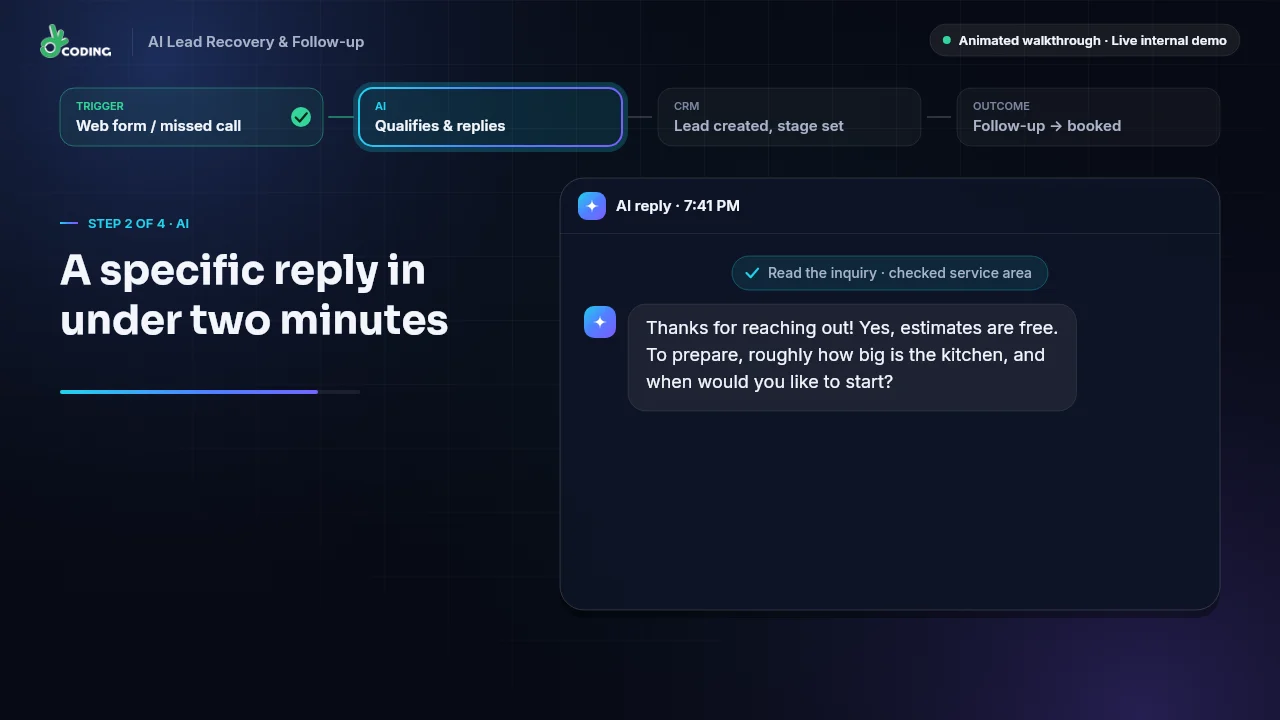
Once the form reliably reaches a person, the next improvement is speed: a specific first reply within minutes, and follow-up that doesn't depend on memory. That's what our Lead Recovery demo shows.
Not sure your form works? Ask our assistant what to check for your setup, or book a call and we'll look at it with you.
Why this matters more than it seems
A broken form doesn't look broken from the inside. Your website still loads, the page still looks fine, and nobody calls to say "I sent you a message and never heard back." They simply choose someone else. That's why a form can fail for months before anyone notices. A slow reply has the same effect, which we cover in why leads go cold.
Frequently asked questions
How often should I test my website form?
Once a month, and every time something changes: a new website theme, a plugin update, a new email address or a new team member handling inquiries.
Why do form messages end up in spam?
Usually because the website sends email "from" your domain without the domain being set up to allow it. Your web developer or email provider can fix this with standard domain records (SPF, DKIM and DMARC).
Should form submissions go to email at all?
Email is fine as a copy, but it shouldn't be the only place. Sending submissions to a CRM or shared inbox, with an alert to the person on duty, means nothing depends on one person's inbox. See custom CRM development and never miss a lead.
Can you check my form for me?
Yes. If you'd like a second pair of eyes, book a call and we'll go through it with you. If your website itself needs work, see business website development.
This article describes approaches and how our demos behave. It does not report measured customer outcomes unless it says so with methodology and permission.