
For most small and mid-size law firms, new clients don't arrive through one tidy channel. They call during a hearing, fill out a website form at 11 PM, or send a message through a directory listing. Each one needs a fast, careful response, and each one also has to pass the firm's own checks before anyone gives advice. That combination makes intake one of the best places for a law firm to start with automation, as long as it is done carefully.
This article is about intake operations, not legal ethics advice. Rules on advertising, confidentiality and client communication vary by state, so check your state bar's guidance before changing your process.
Why intake is where firms lose potential clients
Most firms are good at the legal work and less consistent at the first contact. The usual problems:
- Calls go to voicemail while attorneys and staff are in meetings or court.
- Website inquiries wait in a general inbox until someone has time.
- Follow-up depends on memory. A prospect who doesn't answer the first call is often never contacted again.
- The same questions get asked several times, by the receptionist, the paralegal and then the attorney.
A person looking for a lawyer is often stressed and contacting more than one firm. The firm that responds clearly and quickly is usually the one that gets the consultation.
What to automate first
These steps are frequent, repetitive and easy to check, which makes them good first candidates.
1. Instant acknowledgment
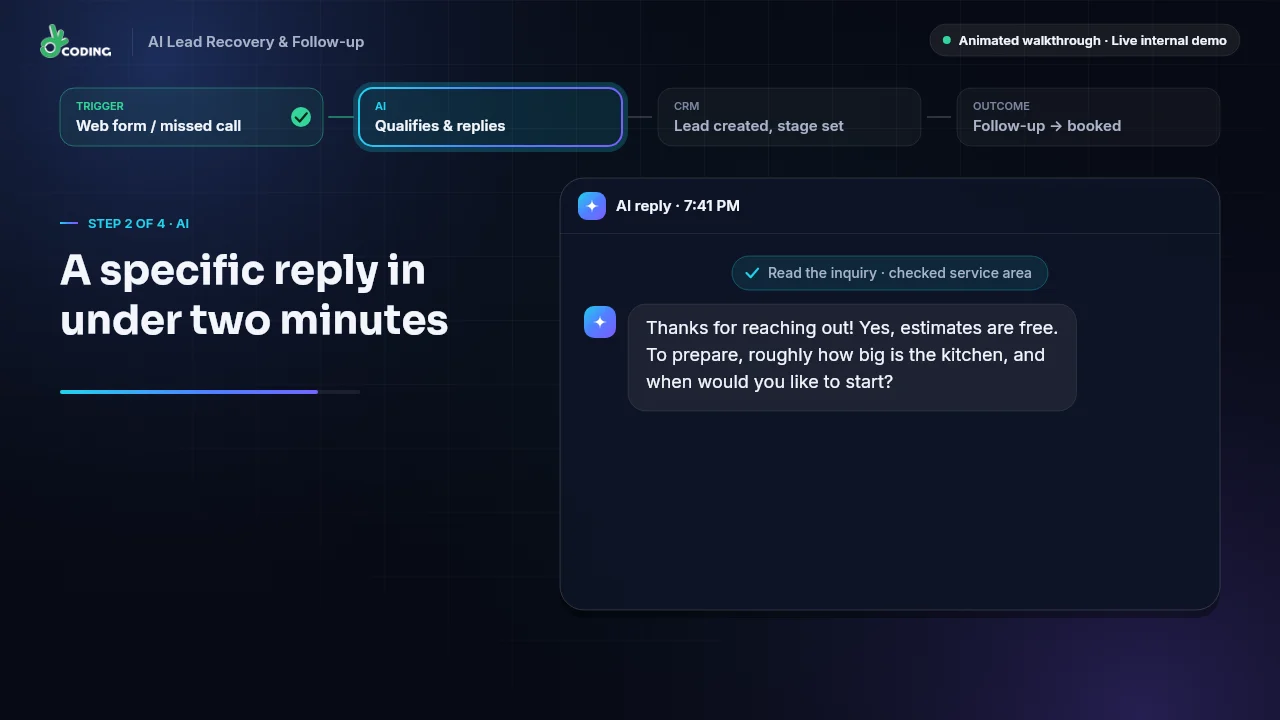
Every inquiry gets an immediate reply that confirms it was received, says when the firm will respond, and makes clear that no attorney-client relationship has been formed yet and that the prospect shouldn't send confidential details at this stage.
2. Structured intake questions
Instead of a free-text box, a short set of questions collects what the firm needs to decide whether it can help: practice area, location, key dates, and the names of other parties involved, so the firm can run its own conflict check before going further.
3. Routing to the right person
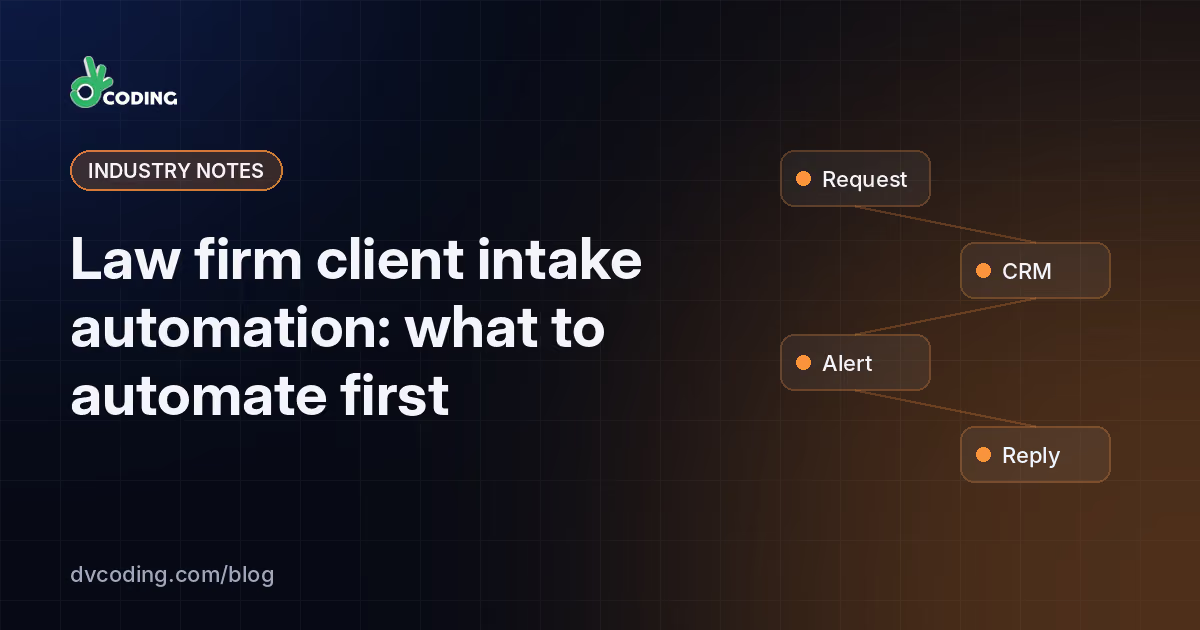
The inquiry goes to the right attorney or intake coordinator based on practice area, with an alert by text or chat, not just email. Inquiries outside the firm's practice areas get a polite, prompt reply instead of silence.
4. Consultation booking
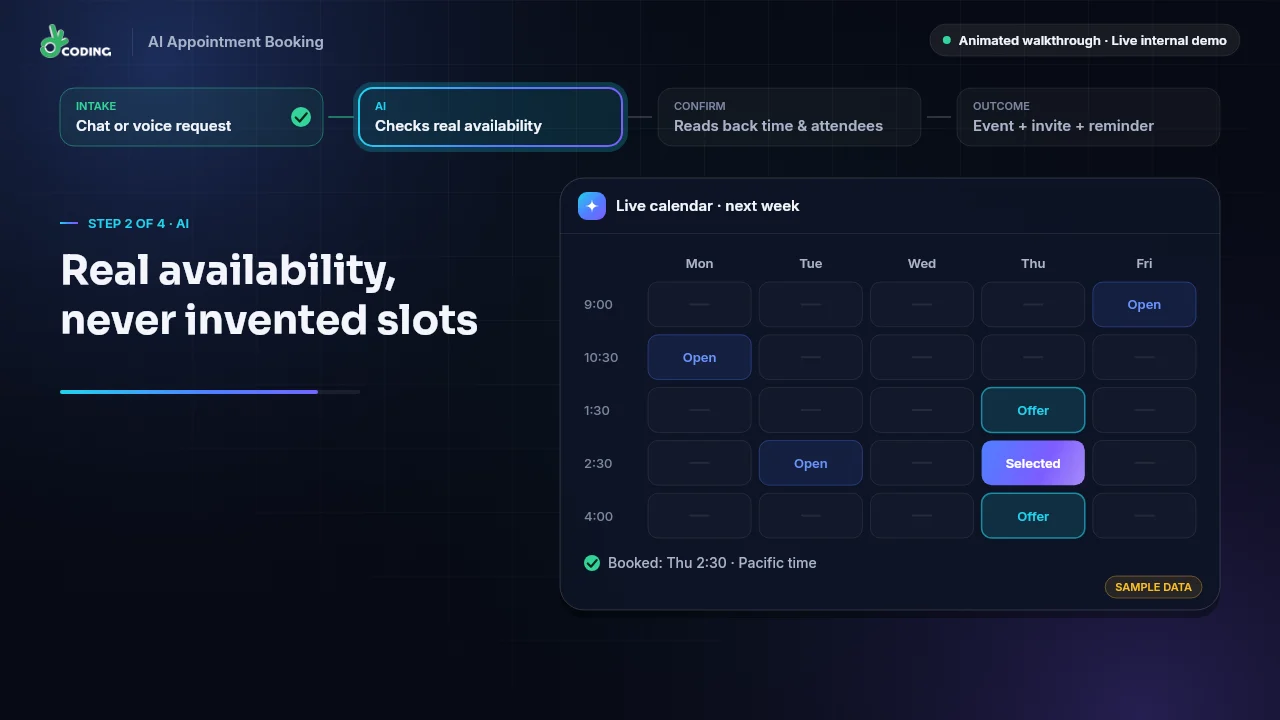
Once the firm decides to proceed, the prospect can book a consultation from real calendar availability, with reminders before the meeting. See online appointment booking without phone tag for what a reliable booking setup needs.
5. Follow-up that stops when they reply
Prospects who don't book get a short, respectful follow-up schedule that stops as soon as they reply or opt out. We explain why this matters in why leads go cold.
What not to automate
- Legal advice. An assistant can explain what the firm does and how intake works. It should never assess a prospect's case or suggest what they should do legally.
- The decision to take a matter. Conflict checks and acceptance decisions stay with the firm.
- Sensitive conversations. Prospects in distressing situations should reach a person quickly.
- Fee agreements and engagement letters, beyond sending a document the firm has already prepared and approved.
Where the data goes
Intake data is sensitive even before someone becomes a client. Before choosing any tool, ask where data is stored, who can access it, how long it is kept, and whether it can be deleted on request. Intake records should flow into the firm's existing practice management system or CRM, not live in yet another separate tool. See custom CRM development for how we connect systems.
How to measure whether it works
Start by recording three numbers from your current process for a month:
- How long it takes, on average, for a new inquiry to get its first reply.
- How many inquiries never get a second contact.
- How many inquiries turn into booked consultations.
Measure the same three numbers after the change. That is the honest way to judge an intake system.
Frequently asked questions
Can an AI assistant answer calls for a law firm?
It can answer, collect intake details and book consultations, as long as it clearly identifies itself as an assistant, doesn't give legal advice, and hands sensitive or urgent calls to a person. We compared the options in AI receptionist vs. answering service.
Will automation make our firm feel impersonal?
Done well, it does the opposite. The prospect gets a fast, clear response, and attorneys spend their time on the consultation instead of on phone tag.
Does this replace our practice management software?
No. Intake automation handles the steps before someone becomes a client and passes the details into the software you already use.
Read more about AI automation for law firms, or book a call with a specialist to talk through your intake process.
This article describes approaches and how our demos behave. It does not report measured customer outcomes unless it says so with methodology and permission.