
Most happy customers never leave a review. They aren't against it. Nobody asked at the right moment, or the ask came as a vague "leave us a review sometime!" that took four taps to act on. If you want to get more Google reviews, the fix is rarely a bigger push. It's a better-timed, lower-effort, rule-following ask that goes to every customer the same way.
Below: when to ask, what to say, how to automate it, and the Google and FTC rules to stay inside.
Why Google reviews matter for a local business
Reviews help people decide, and they feed local search. Google's own help page on local ranking says results are based mainly on relevance, distance and prominence, and that "more reviews and positive ratings can help" a business's local ranking.
Google also lists replying to reviews as a way to stand out.
The rules: what Google and the FTC don't allow
Before you automate anything, know the lines. This is not legal advice. Check the current policies yourself or ask a lawyer.
Google's Business Profile review policy (its "Prohibited & restricted content" section, updated in February 2026) says merchants should not:
- Offer incentives such as payment, discounts or free services in exchange for a review.
- Discourage negative reviews or selectively solicit positive reviews. This practice is often called "review gating."
- Require or pressure customers to leave a rating, or ask them to include specific content.
Separately, the FTC's rule on consumer reviews and testimonials (16 CFR Part 465, in effect since October 2024) bans fake reviews, incentives conditioned on a positive or negative review, and using threats or intimidation to suppress negative reviews. The FTC can seek civil penalties for violations.
So the familiar "Were you happy? Yes → Google, No → private form" funnel is the thing to avoid. Ask everyone the same way.
When to ask: tie the request to a real moment
Timing beats wording. Ask when the value is fresh and obvious:
- Auto repair: after the car is picked up and paid for, not when the estimate is sent.
- Home services: a few hours after the job is marked complete, once the customer has seen the result.
- Professional services: after a milestone the client actually cares about, like a filed document or a delivered report.
- Online stores: after delivery is confirmed, not at checkout.
Your system already knows these moments: an invoice paid, a job closed, an order delivered. That event is the trigger. If nobody can see what closed today, a simple custom CRM or a clean job status field makes the timing reliable.
What to say: a short message that doesn't feel awkward
The awkward part of asking is usually the wording. Keep it short, personal and neutral:
Hi Maria, thanks for choosing us for the water heater install today. If you have a minute, we'd appreciate an honest review on Google. It helps neighbors find a local shop. [link]
What works here:
- Use their name and the job. It reads like a person wrote it.
- Ask for an honest review, not a five-star one. That keeps you inside Google's rules and reads better.
- One direct link. In your Business Profile you can copy a link that opens the review form straight away. Don't make people search for you.
- No discount, no raffle, no "free oil change for a review." See the rules above.
Send one reminder at most, a few days later, and then stop. A third message is the pressure Google's policy warns about.
Automating the ask without sounding like a robot
Automation's job is consistency: every customer asked, at the right time, never twice.
- Trigger: job closed or invoice paid in your CRM or booking tool.
- Wait: a delay that fits your business, from two hours to a day.
- Check: skip anyone with an open complaint, a refund in progress or an earlier request. That avoids bothering someone mid-dispute; it is not a filter for unhappy customers.
- Send: text or email with the person's name, the job and the review link. Make sure you have consent to text.
- Log: record that the request went out so nobody sends it again by hand.
This is a small, well-defined automation, the kind we recommend in what to automate first. We build these flows as part of our AI automation service.
Replying to reviews, including the bad ones
Getting reviews is half the job. Replying is the other half:
- Positive reviews: thank them and mention the job. Skip copy-paste replies.
- Negative reviews: reply once, calmly, without customer details, and move the conversation offline: "We're sorry about the wait. Please call our manager at the shop so we can fix this."
- Fake or off-topic reviews: report them through your Business Profile rather than arguing in public.
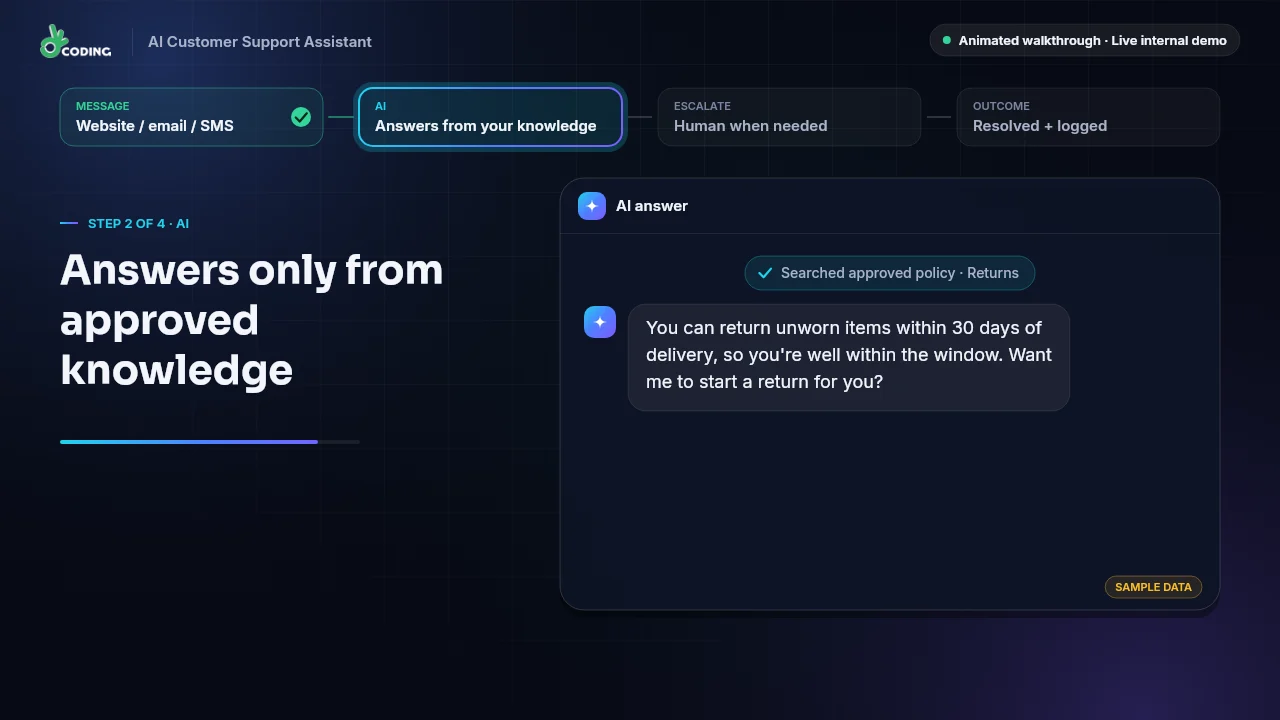
An AI assistant can draft replies for a person to approve. See how handoffs work in our AI customer support demo and our post on the support handoff.
Frequently asked questions
Can I offer a discount for leaving a Google review?
No. Google's review policy prohibits incentives such as payment, discounts or free goods or services in exchange for a review, and the FTC's 2024 rule bans incentives conditioned on the review being positive or negative.
Is it OK to send unhappy customers to a private feedback form instead of Google?
Not as a filter. Google's policy prohibits selectively soliciting positive reviews. You can offer a way to contact you directly, but every customer should get the same chance to review publicly.
How many review reminders should I send?
One request and at most one reminder is a sensible limit. More than that starts to feel like pressure, which Google's policy says merchants should avoid.
Want review requests that go out automatically after every finished job, inside the rules? Book a call and we'll map it to the tools you already use.
This article describes approaches and how our demos behave. It does not report measured customer outcomes unless it says so with methodology and permission.