
Online booking looks simple from the outside: a visitor picks a time, gets an invitation, done. Underneath, there are five steps where it can go wrong, and most "booking widgets" get at least one of them wrong. Here is the whole chain, the way we build it, so you can judge any system by it, including ours.
Step 1: read the real calendar, every time
The first mistake is keeping a separate copy of availability. The widget has its own idea of your free slots, the calendar has another, and they drift. Someone books through the widget while you accepted a meeting by email, and now you have two calls at 10 a.m.
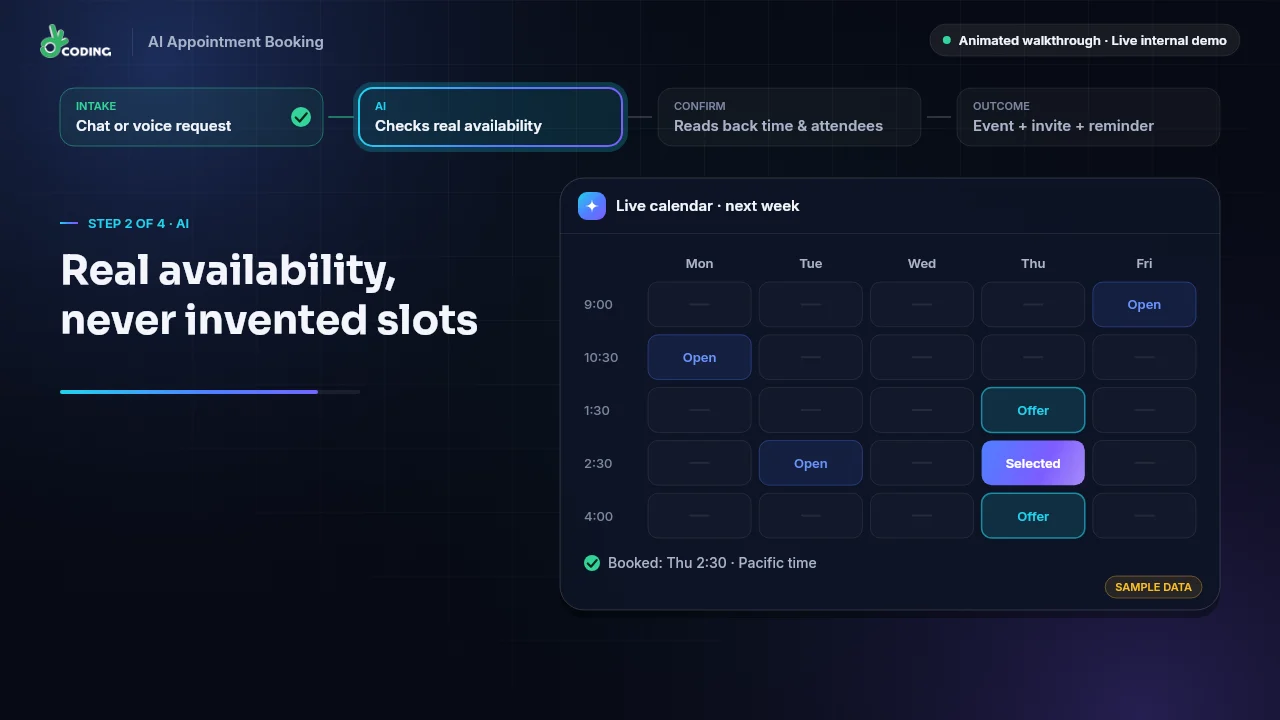
The fix is to never store availability at all. Each time a visitor opens the booking page, the system asks Google Calendar for the busy times in the next two or three weeks and subtracts them from your working hours. What the visitor sees is what is actually free, at that moment.
Step 2: show times in the visitor's time zone
A business in California and a visitor in New York should see different clocks for the same slot. The system detects the visitor's time zone from their browser, converts every slot, and labels it. The invitation later carries both the business time and the visitor's time, because people forward invitations and screenshots.
Small detail that matters: the hours you are willing to take calls are defined once, in your time zone, in a settings screen you control. "Monday to Friday, 9 to 12 and 8 to midnight Pacific" is a rule, not a list of slots someone maintains.
Step 3: collect only what the invitation needs
Name, email, phone. Optionally what they want to discuss. Nothing else at this stage. Every extra field costs you bookings, and anything you genuinely need can be asked on the call.
If the booking comes through a chat assistant rather than a form, the same rule holds: the assistant offers the times, and the details are typed into a small form, not spelled out letter by letter in conversation. You can see that flow in our appointment booking demo.
Step 4: check again, then create exactly one event
This is the step that separates a reliable system from a lucky one. Between the moment the visitor saw the slot and the moment they pressed "book," thirty seconds or three minutes passed. Someone else may have taken it.
So the system checks the slot one more time, right before creating anything. If it is still free, it creates one calendar event with a Google Meet link and marks the booking confirmed. If it is not, nothing is created and the visitor is told immediately and offered the next options. Every booking also gets an ID, so a repeat click or a flaky connection cannot create a second event.
Step 5: confirm from your own address, in the visitor's language
Google can send the invitation itself, from the Gmail account that owns the calendar. That is fine for a personal calendar and wrong for a business: the email comes from a personal address, in whatever language that Google account is set to, with Google's wording.
The better pattern is for the system to send its own confirmation from your company address, in English, with the time in both time zones, the Meet link, a calendar file the visitor can add in one click, and a booking ID. The event still lands in your Google Calendar, and your team members are invited to it automatically, so nobody has to forward anything.
What happens after the booking
- Your team is notified instantly, in our case by Telegram and email, with the visitor's details and what they want to discuss, so whoever takes the call opens it prepared.
- The visitor can change their mind without calling. With the booking ID and their email, they can move or cancel the call through the chat assistant; the Meet link stays the same when a call is moved, and the calendar event follows.
- A failed booking is never silent. If the calendar does not respond, the visitor is told plainly that nothing was booked, and your team is alerted to follow up by email.
The rules we keep on every booking system
- Availability is read live, never stored.
- Nothing is created until the visitor explicitly confirms.
- The slot is re-checked immediately before creation.
- One booking, one event, one ID.
- Confirmations come from the business, not from a personal account.
- Nobody is invited without their consent.
Seeing it on your own calendar
Our own booking page runs on exactly this chain. Try it: the times you see are our real availability in your time zone, you confirm before anything is created, and the invitation arrives from our address. If you want the same for your business, the call you book there is where we scope it.
This article describes approaches and how our demos behave. It does not report measured customer outcomes unless it says so with methodology and permission.